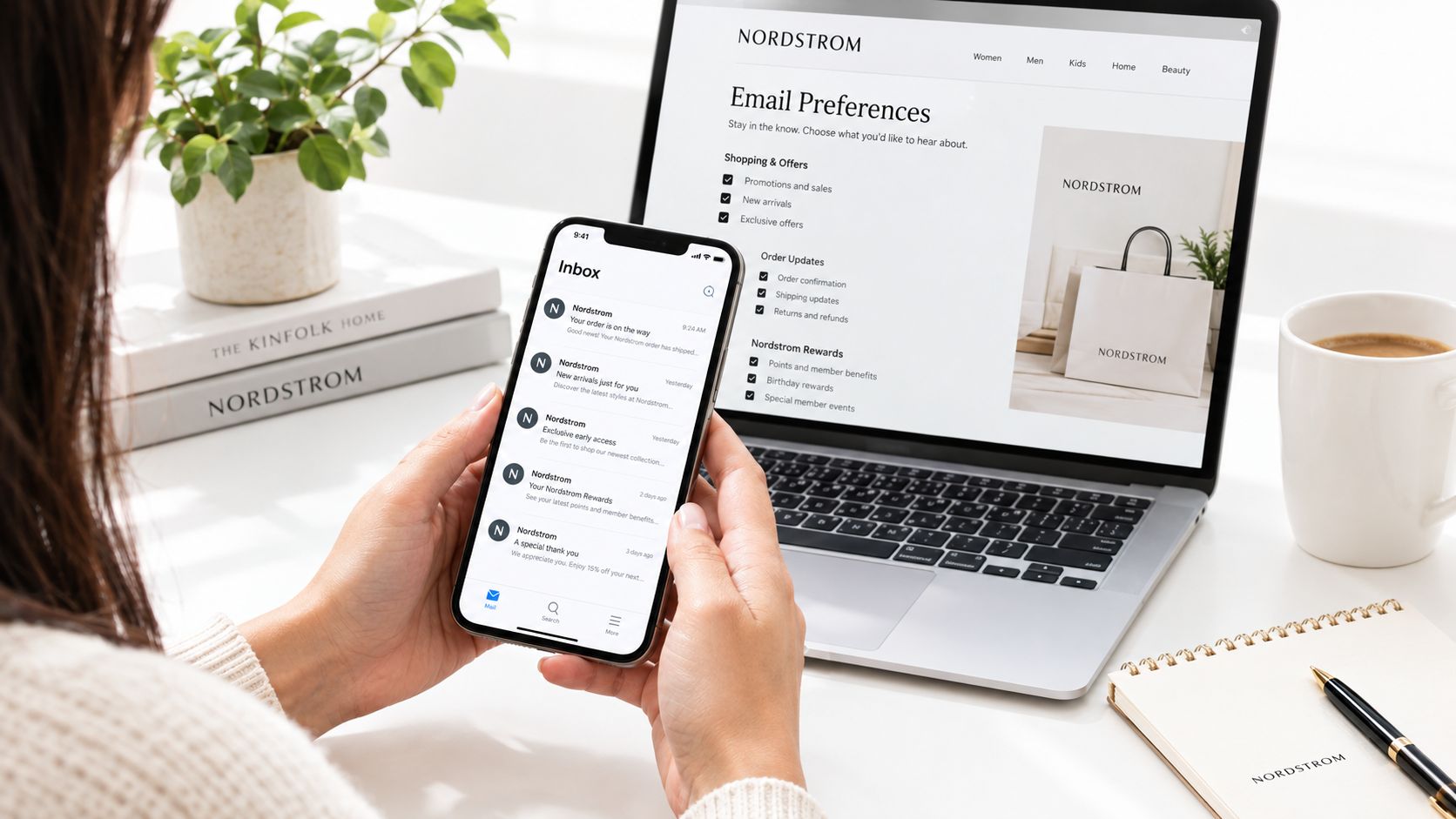
You open your inbox on a Sunday morning and find four Nordstrom promotions, two Nordstrom Rack offers, a Nordy Club points reminder, and a birthday message waiting before breakfast. The problem isn't just that Nordstrom sends often. Your address may be active in several overlapping programs, each with its own purpose, timing, and preferences.
That distinction matters whether you want to join the Nordstrom email list, reduce promotional volume, keep order updates, or leave every marketing program. Nordstrom and Nordstrom Rack don't operate as one perfectly unified inbox, so clicking one unsubscribe link may leave another stream untouched. Choose your intent first, then use the matching route.
Table of Contents
- Why You're Getting So Many Nordstrom Emails
- How to Join the Nordstrom Email List
- What to Expect Once You're on the List
- Managing Your Nordstrom Email Preferences
- How to Unsubscribe From Nordstrom Emails
- The Nordstrom vs Nordstrom Rack Email Trap
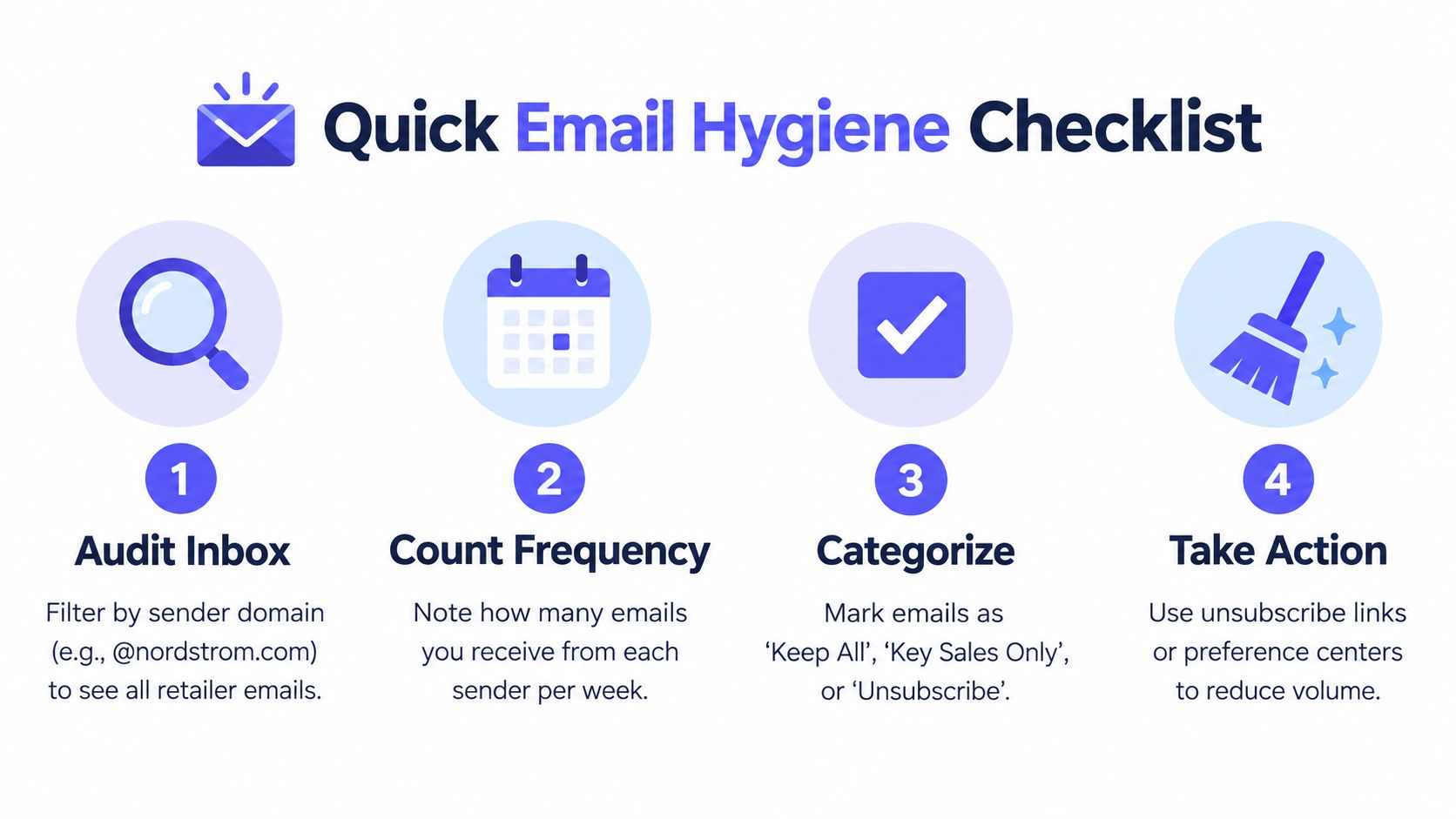
- A Quick Email Hygiene Checklist You Can Reuse
Why You're Getting So Many Nordstrom Emails
Nordstrom email volume comes from a retail lifecycle program, not occasional sale notices. MailCharts' Nordstrom email marketing analysis recorded an average of 8.08 emails per week over a 90-day period, with about 54% classified as promotional. Separate newsletter-scrape data also showed frequent weekend and evening sends, so a crowded Sunday inbox is predictable.
One address can enter several audiences through different actions:
- Nordy Club enrollment: Loyalty activity connects sign-up, rewards, and purchases. Nordstrom launched The Nordy Club in 2018 with more than 10 million active members already enrolled. Its rollout announcement also said members spent four times more and shopped three times more often than non-members, as reported in Nordstrom's Nordy Club release.
- Checkout consent: A guest order can create a promotional relationship without creating a full loyalty profile.
- Store or app capture: An email collected at a register or during a digital experience can activate another contact path.
- Nordstrom Rack registration: Rack communications belong to a separate brand program and may continue after you change Nordstrom preferences.
The volume isn't identical for everyone
Nordstrom can use purchase history, browsing activity, loyalty status, location, and brand interest to decide which messages qualify for delivery. One shopper might receive style recommendations, while another gets rewards reminders or category promotions.
The right diagnosis is program-based. Count the active streams before changing preferences.
Doing nothing leaves eligible streams in place, particularly during major retail periods. Choose the outcome first: intentional enrollment, lower promotional volume, brand-specific control, or a complete marketing opt-out. Nordstrom's signup, preference, and unsubscribe paths serve different purposes, and a single change may not silence every brand or message type.
How to Join the Nordstrom Email List
You can join through several legitimate paths, but they don't all create the same relationship.
Nordy Club enrollment
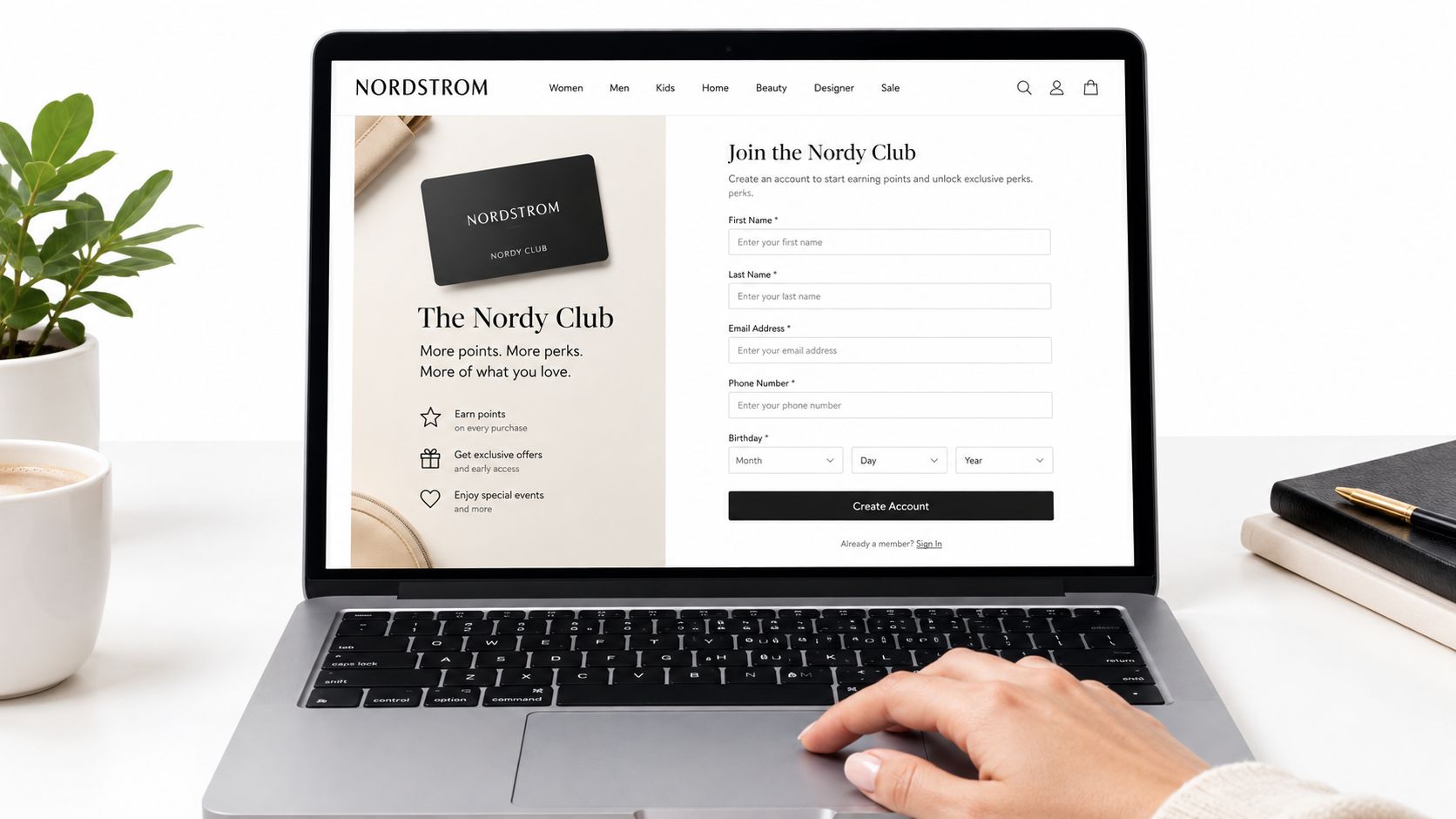
The most structured route is joining The Nordy Club through Nordstrom's website or mobile app. U.S. residents can join for free, and enrollment requires a valid email address and mobile phone number. The account links rewards tracking and purchases, so it's more useful than a standalone promotional signup if you shop at Nordstrom regularly.
Review the fields before submitting. Your account may associate your name, contact details, birthday, and shopping preferences with the membership record. Expect welcome and account-related communication after enrollment, but don't assume that joining Nordy Club automatically subscribes you to Nordstrom Rack marketing.
Checkout signup
A guest checkout may include a marketing consent box. Read the wording instead of clicking through automatically. This route can add your address to promotional communication without creating the full loyalty profile, which is convenient for one-time shoppers but less convenient when you later want centralized preference control.
In-store capture
A register prompt, store associate request, or Nordstrom Rack signup kiosk can collect your email for marketing. Pay attention to the brand name shown on the form. If the form identifies Nordstrom Rack, expect Rack-focused offers rather than assuming the address has joined the primary Nordstrom program.
Before submitting any form, check the brand, the communication purpose, and whether the consent is optional. A clean signup starts with knowing which list you're entering.
What to Expect Once You're on the List
A Nordstrom signup can produce more email than a casual shopper expects. Nordstrom runs frequent merchandising campaigns, and the retail benchmark summary from Open Rate reports retail open rates of 16.7%, click-through rates of 2.3%, click-to-open rates of 14.0%, and inbox placement figures that vary by mailbox provider. These benchmarks do not predict your personal inbox. They show why retail subscribers need clear controls and regular list cleanup.
Expect several message types:
- Promotional campaigns: Sale announcements, category features, new arrivals, and seasonal offers.
- Loyalty communication: Nordy Club rewards, points, and status-related updates.
- Behavioral messages: Recommendations based on browsing, product interest, or shopping activity.
- Service communication: Order, shipping, return, and account notices.
- Re-engagement: Messages designed to bring back shoppers who have stopped engaging.
Nordstrom Rack adds a separate stream focused on its own products and promotions. A customer can therefore receive mail from both brands, even when the original signup involved only one shopping experience. Treat the two lists as separate from the start.
| Email Type | Normal Week | Peak Week |
|---|---|---|
| Promotional campaigns | Frequent | Heavier |
| Nordy Club updates | Occasional | More visible around member events |
| Product recommendations | Triggered by activity | More likely when shopping activity rises |
| Service messages | Based on orders and returns | Based on orders and returns |
| Nordstrom Rack promotions | Separate cadence | Separate peak promotions |
Engagement matters more than opens alone
Inbox delivery depends on mailbox-provider filtering, engagement, and your own settings. A delivered message may land outside the primary inbox, so an open count cannot show the full picture.
Use clicks, purchases, and the messages you want as your personal guide. If you never engage with sale alerts but regularly open order updates, change the promotional categories rather than abandoning every Nordstrom communication. If the volume remains high, check whether Nordstrom Rack is sending through its own list. One unsubscribe may silence one brand while service messages or the other brand's promotions continue.
Managing Your Nordstrom Email Preferences
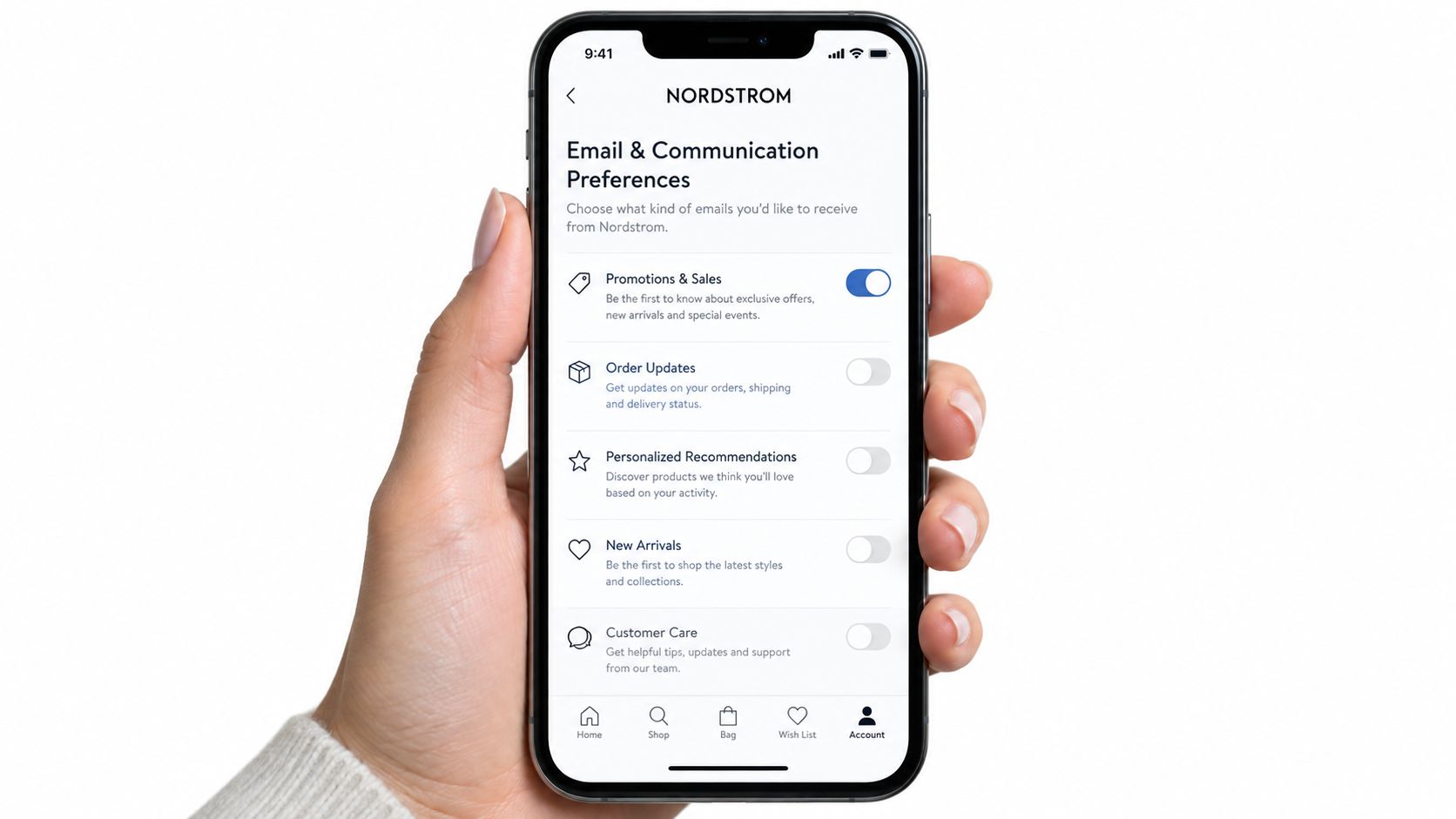
Preference management is the right choice when you still want Nordstrom order communication or selected offers but don't want every promotion. Sign in to your Nordstrom account, open the profile menu, and look for Email and Communication Preferences. Review each category instead of switching everything off without reading the labels.
Separate the settings into two groups:
- Marketing topics: Style news, sale alerts, Nordy Club updates, and new arrivals.
- Transactional messages: Order confirmations, shipping updates, return information, and account notices.
Turning off a marketing category usually removes that topic or reduces its eligibility. It doesn't guarantee total silence, because service messages serve the order and account relationship rather than the promotional program. Nordstrom's policy also explains that users can opt out through the email footer, account settings, or Nordstrom's privacy contact, while transactional and certain account communications may continue.
Use the account and app controls correctly
The mobile app generally places notification controls under Account, then Notifications, then Email. Check both the app and website when your inbox remains active after a change. A confirmed account gives you more control than a guest address, because guest shoppers may need to use the footer link or contact channel associated with the message.
Allow a processing period before deciding the change failed. Promotional sends already queued may still arrive, and different brand programs may process separately. Recheck your settings after major shopping events because a later signup or consent action can re-enable a category.
For broader operating principles, review this guide to email list management. The same discipline applies here, separate desired service messages from promotional volume and document the choices you make.
How to Unsubscribe From Nordstrom Emails
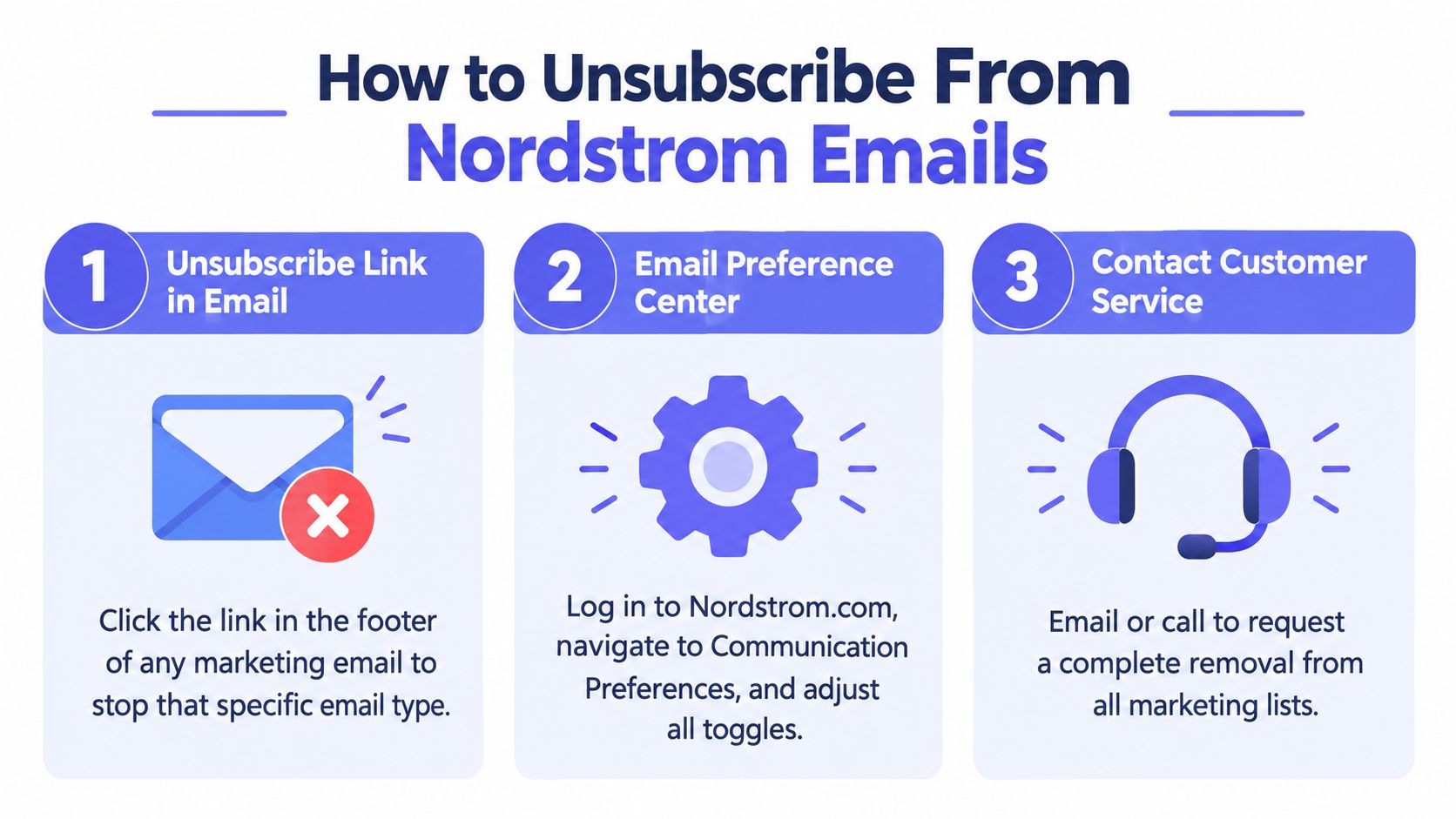
There are three practical opt-out routes, and they don't have equal scope.
Use the footer for a targeted removal
Open a Nordstrom or Nordstrom Rack marketing email and click its unsubscribe link. This is the fastest way to stop the specific campaign stream associated with that message. Use the link from the sender you no longer want, then save a screenshot of the confirmation page.
The Nordstrom unsubscribe guidance highlights the important distinction: users may want less promotional email while keeping order alerts, or they may want one brand removed but not the other. A footer unsubscribe is useful for that narrower outcome, but it may not close every marketing relationship attached to your address.
Use preferences for selective control
If you have a confirmed account, the communication center gives you a broader menu. Turn off sale alerts, style updates, new arrivals, or Nordy Club marketing while preserving the categories you still read. This is the best route when your problem is relevance rather than the existence of the relationship.
Contact privacy for a full marketing opt-out
For a complete request covering marketing communication, write to privacy@nordstrom.com. State the email address involved, identify both Nordstrom and Nordstrom Rack if you want both removed, and ask for confirmation. This is the clearest route when you don't want to troubleshoot multiple preference centers.
What won't stop
Opting out of marketing doesn't eliminate order confirmations, shipping notices, return receipts, fraud alerts, recalls, privacy-policy updates, or other necessary service messages. Those communications support a transaction, account, safety notice, or legal obligation.
If your goal is total inbox silence, stop placing new orders and remove promotional consent through the privacy channel. If your goal is fewer offers, don't use a full deletion request when topic-level preferences will solve the problem.
The Nordstrom vs Nordstrom Rack Email Trap
The assumption that one unsubscribe silences both brands is wrong. Nordstrom and Nordstrom Rack run separate marketing programs, with separate brand identities and distinct preference pathways. A message from one brand can continue after you opt out of the other.
Start with the sender domain and footer. A Nordstrom message will identify its own sending environment, while a Rack message will point you toward Rack-specific controls. Don't treat a continuing Rack email as proof that the Nordstrom unsubscribe failed. It may mean you successfully removed yourself from one program and never touched the second.
| Attribute | Nordstrom | Nordstrom Rack |
|---|---|---|
| Brand program | Main Nordstrom retail program | Separate Rack retail program |
| Typical content | Style, new arrivals, loyalty, and sales | Rack assortment, discounts, and promotional offers |
| Preference handling | Nordstrom account or message footer | Rack-specific message and preference route |
| Diagnostic clue | Sending domain and footer branding | Sending domain and footer branding |
| Full-removal option | Privacy request | Include Rack explicitly in the same privacy request |
The two-step fix
First, process each brand independently. Click the footer link on the Nordstrom message, then repeat the diagnosis on a Nordstrom Rack message if both are arriving. Check the confirmation screen after each action.
Second, if you want both marketing programs closed, email privacy@nordstrom.com and name both brands in the request. Keep a copy of the message and any response. That approach is more reliable than repeatedly clicking random unsubscribe links and hoping the systems share a suppression record.
If you receive both brands, treat them as two lists until the sender confirms otherwise.
Teams managing multiple retail audiences face the same problem at scale. A disciplined email address list workflow helps separate identity, consent, and sending purpose instead of assuming one address equals one audience.
A Quick Email Hygiene Checklist You Can Reuse
Inbox control starts with an audit. Use the same method for Nordstrom, Nordstrom Rack, department stores, fashion newsletters, and any retailer competing for attention. Decide first whether you want to join, reduce volume, separate brands, or leave a program completely.
Start with evidence
- Filter by sender domain: Search for Nordstrom and Nordstrom Rack separately. Include archived messages and promotional folders to see the full sending footprint.
- Count by purpose: Label each email promotional, loyalty-related, service-related, or account-related. Keep order updates and account notices while reducing sale alerts.
- Measure your baseline: Earlier benchmark data places Nordstrom's sending frequency in the high-single-digit range per week, with promotional messages forming about half of the sample. Treat that direction as a comparison point, not a prediction for your inbox.
- Inspect engagement: Clicks and purchases provide better practical signals than opens alone because privacy features can make open data less reliable. The Omnisend's email marketing report reports automated emails converting at 1.49%, compared with 0.08% for campaign emails. Keep messages connected to your buying intent and remove broad promotions you never use.
Build simple controls
Create inbox rules that move Nordstrom and Rack promotions into a labeled folder while leaving order messages in your main inbox. If you still want sale alerts, create a “key sales only” label instead of letting every campaign compete with personal mail.
Review those rules quarterly. Record the sender, the opt-out date, the route you used, and whether messages stopped. If marketing continues after a reasonable processing period, save the confirmation and contact the exact sending brand. Nordstrom and Nordstrom Rack should be checked independently because they can maintain separate marketing preferences.
Protect future signups
Use an email alias or dedicated retail address when the store permits it. Separating retail consent from your primary address makes later cleanup more precise. Use an address you control, since receipts, account notices, and recovery messages may depend on it.
Good email list hygiene practices also protect marketers. Mailbeam's glossary explains that clean, valid addresses support list quality, while risky or undeliverable records create avoidable deliverability problems. For shoppers, the matching goal is a smaller inbox with a higher signal.
If Nordstrom promotions still arrive, audit the sender domains today and adjust Nordstrom and Rack preferences separately. Use privacy@nordstrom.com when you want both marketing programs closed, and name both brands clearly. For teams cleaning customer files before sending, Mailbeam verifies addresses in real time and supports batch list checks, separating deliverable, risky, and undeliverable contacts before they enter an email platform.