
In 2024, 84% of security leaders and practitioners surveyed across the United States, United Kingdom and Germany said their organization had experienced an API security incident in the previous 12 months, according to Akamai's API Security Impact Study. Few of those incidents began with a clever exploit. Most began with a key that was stored, shipped, or logged somewhere it had no business being.
A key committed to a public repository is scraped by bots within minutes, not days. In a signup verification flow, the same credential that checks addresses can drain a month of quota in an afternoon and pull customer email data while it does.
This guide follows one key through its whole life: where it's created, how it's stored, what it's allowed to touch, how it travels, when it rotates, and what happens in the hour it escapes. Eight practices, in the order you'll implement them, with the configuration detail that separates a working control from a checkbox.
If you run signup forms, background list-cleaning jobs, or any integration where a third-party key sits inside your stack, the first four practices remove most of your risk. The last four decide how bad a bad day gets.
Table of Contents
- 1. Store API Keys in a Secrets Manager or Environment Variables, Never in Source Code
- 2. Keep API Keys Off the Client Side
- 3. Apply Least Privilege with Scoped and Restricted Keys
- 4. Rotate Keys Regularly and Immediately After Suspected Exposure
- 5. Restrict Where Keys Can Be Used with IP, Network, and Origin Allowlists
- 6. Use Separate Keys for Each Environment
- 7. Transmit Keys Securely over TLS in Headers, Not in URLs
- 8. Monitor Key Usage, Detect Exposures, and Respond Quickly
- How the eight API key security practices compare by risk addressed and effort required
- Start With Storage and Scanning, Then Build Toward Full Lifecycle Control
1. Store API Keys in a Secrets Manager or Environment Variables, Never in Source Code
A hardcoded key can outlive the commit that introduced it. It may remain in Git history, build logs, container layers, or backups, and revoking it does not remove those copies.

Keep the key outside the repository and inject it when the service starts. Store only the credential that process needs.
Where the key should actually live
- Use a managed secret store for production. AWS Secrets Manager, Google Cloud Secret Manager, Azure Key Vault, and HashiCorp Vault can centralize access policy, auditing, and rotation. For a small service, platform-injected environment variables may be enough. The trade-off is that rotation and access controls may require more work outside the application.
- Scan commits and CI builds. Add gitleaks or truffleHog to catch accidental commits, then enable repository push protection where available.
- Commit
.env.example, not.env. Keep placeholders in the example file and add local credential files to.gitignore. - Revoke any key that reaches Git. Removing the commit does not invalidate copies already collected. Verizon's 2025 Data Breach Investigations Report puts the median remediation time for leaked secrets discovered in GitHub repositories at 94 days (Verizon).
For a signup-verification service, load the key at startup and fail fast if it is missing. That prevents the service from accepting signups while every verification request fails authentication. For an example of credential initialization, see Openbase API key setup.
2. Keep API Keys Off the Client Side
A key in a browser bundle is public the moment it ships. Devtools and an unpacked APK get you there in minutes, and source maps remove the guesswork entirely. Obfuscation changes the effort, not the outcome.
That's why current API security guidance treats credentials in client-side code as extractable by anyone holding the client. The answer isn't a better hiding place. It's not putting the key there.
The proxy pattern that holds up
The signup form posts an address to your own endpoint, say POST /validate-email. That handler holds the key, calls the provider, and returns a verdict. Nothing else crosses the boundary.
- Return the minimum. A boolean, a score, and a reason code. Not the provider's raw response, which often carries MX hosts and diagnostic detail you don't want to expose.
- Rate limit the route per IP and per session. Public endpoints get scripted, and quota is the first thing a bot spends.
- Grep built assets before release. Scan bundles and source maps for key-shaped strings as a build step.
- Separate publishable from secret. Stripe's
pk_andsk_split is the model to copy: a publishable key identifies the client, a secret key authorizes the call.
The trade-off is honest. A proxy adds a hop and a service to operate. When verification returns in under a second, nobody notices; when it doesn't, cache the verdict for a few minutes rather than letting the browser call the provider directly.
3. Apply Least Privilege with Scoped and Restricted Keys
One key that can do everything is the default in most dashboards, and it's why a leaked credential becomes a full account takeover. Scope it before something goes wrong, not after.

The OWASP API Security Top 10 draws the line clearly: API keys identify a client or project, while human identity and sensitive operations belong to OAuth 2.0 or an enterprise identity provider. If your key can change billing details, it's doing a job it was never designed for.
What to scope before the first call
- One key per workload. Signup verification, bulk list cleaning, and webhook management get three keys, not one.
- Verification-only for anything user-facing. The signup service checks an address. It doesn't need export, billing, or key-management scopes.
- Record owner and purpose. A key with no named owner is a key nobody dares revoke.
- Review quarterly. Strip scopes that stopped being used after the last refactor.
More keys means more distribution work, and teams that can't track them share one out of convenience. A naming convention beats a shared admin key, and a secrets manager with metadata beats both.
4. Rotate Keys Regularly and Immediately After Suspected Exposure
Rotation only reduces risk when the replacement reaches every consumer before the old key stops working. A rushed cutoff can take a signup flow offline; an overlap that lasts indefinitely leaves the exposed credential usable.

A fixed calendar interval alone does not account for deployment scale, rollback options, or clients that have not picked up the replacement. Set a rotation schedule your team can execute, and rehearse the handoff before an incident.
Dual-key rollover, step by step
- Issue the replacement first. Put it in the secrets manager and deploy it as configuration, not as a code change.
- Verify the new key is serving traffic. Check each consumer before revoking the old credential.
- Keep the overlap bounded. Allow queued jobs and cached clients time to update, then revoke the old key.
- Automate rotation where possible. A scheduled process in your secrets store is easier to track than a calendar reminder.
For a signup service, load the key at startup and use a rolling deployment so instances switch over without interrupting requests. A key baked into a container image requires rebuilding and redeploying that image, which makes urgent rotation slower.
After suspected exposure, revoke the affected key promptly and issue a replacement. Keep a runbook with the revocation command, deployment steps, and checks that confirm signup verification has recovered. Mailbeam's security practices provide a reference for documenting credential handling.
5. Restrict Where Keys Can Be Used with IP, Network, and Origin Allowlists
An allowlist doesn't make a key stronger. It makes the key useless from anywhere except where you expect it to be used, and that's often enough to turn a leak into a nuisance.
Incident volume keeps rising. Salt Security's 2024 State of API Security survey found 37% of respondents had experienced an API security incident in the previous 12 months, up from 17% in 2023. A key that works from any IP works from an attacker's infrastructure too.
How to bind a key to your network
- Give backend workloads a fixed egress IP. A NAT gateway with a static address lets you restrict the key to that address and nothing else.
- Use platform-level restrictions. Google Cloud restricts an API key by application type, HTTP referrer, or IP address; AWS gives you resource policies and VPC endpoints for the same job.
- Treat referrer rules as friction, not authentication. Headers are trivial to spoof outside a browser.
- Test in staging before touching production. A wrong CIDR takes you down faster than a leaked key usually does.
Serverless and autoscaling teams hit a core trade-off: egress addresses change, and an allowlist that breaks at scale gets deleted during an incident review. If you can't pin an IP, pin something else, such as a private network path or mutual TLS, and write down why the exception exists.
An allowlist is a blast-radius control, not an authentication mechanism. Design it to limit damage, not to prove identity.
6. Use Separate Keys for Each Environment
Production, staging, and development should use separate credentials. Shared keys let test traffic consume production quota, mix test records with live data, and turn a staging leak into production access.
Rule of thumb: Name each key for its environment and purpose so you can identify and revoke it without guesswork.
In a Cloud Security Alliance survey of 818 IT and security professionals, 20% of organizations reported having formal processes for offboarding and revoking API keys (Cloud Security Alliance's survey report). Unused development keys can remain active after a project ends, so include them in cleanup.
- Name keys for environment and purpose. Use labels such as
signup-prod-eu,signup-staging, andlistcleaner-prod. - Keep production keys off developer laptops. Use development keys with lower quotas instead.
- Check the key environment in CI. Fail a deployment if a staging build resolves a production key.
- Use test mode where available. Mailbeam's official SDKs support test mode with
mb_test_keys. SDK endpoints and payloads may change before release, so check the current API reference when integrating.
Set usage alerts separately for each environment. A staging spike can point to a runaway test suite; the same spike in production may signal a compromised key. Separate alerts make it easier to identify which credential needs investigation or revocation.
7. Transmit Keys Securely over TLS in Headers, Not in URLs
A key in a query string can spread into proxy logs, browser history, analytics events, error trackers, and referrer headers. Send credentials in an authorization header over HTTPS instead. Once a URL containing a key is logged, removing it from the application does not remove every copy.
Authenticators must be protected from unauthorized disclosure. For API calls, keep the secret out of URLs, browser-exposed code, and logs. Mailbeam's API authentication documentation specifies Bearer authentication through the Authorization header.
Configure the client and the logs
- Use the Authorization header. Send Bearer tokens in the header, never as
?api_key=. Mailbeam's verify endpoint uses this pattern. For incoming webhooks, validate theX-Mailbeam-SignatureHMAC-SHA256 digest against the raw request body. In Express, useexpress.raw()for the handler; parsing first withexpress.json()causes signature mismatches. - Require HTTPS. Configure HTTP clients to refuse
http://endpoints and verify TLS certificates. Enable HSTS on first-party domains. - Redact credentials before logging. Strip
Authorizationheaders and key-shaped query parameters before requests reach loggers, APM agents, or error trackers. - Verify signed callbacks. Check the webhook signature rather than placing a shared secret in a URL.
Header-based authentication makes browser address-bar testing unavailable. Use curl with an authorization header from a machine that holds the key.
8. Monitor Key Usage, Detect Exposures, and Respond Quickly
A leaked key can burn signup-verification quota within hours. Track each credential by key ID so your team can spot unusual activity and revoke the right key without exposing its secret.
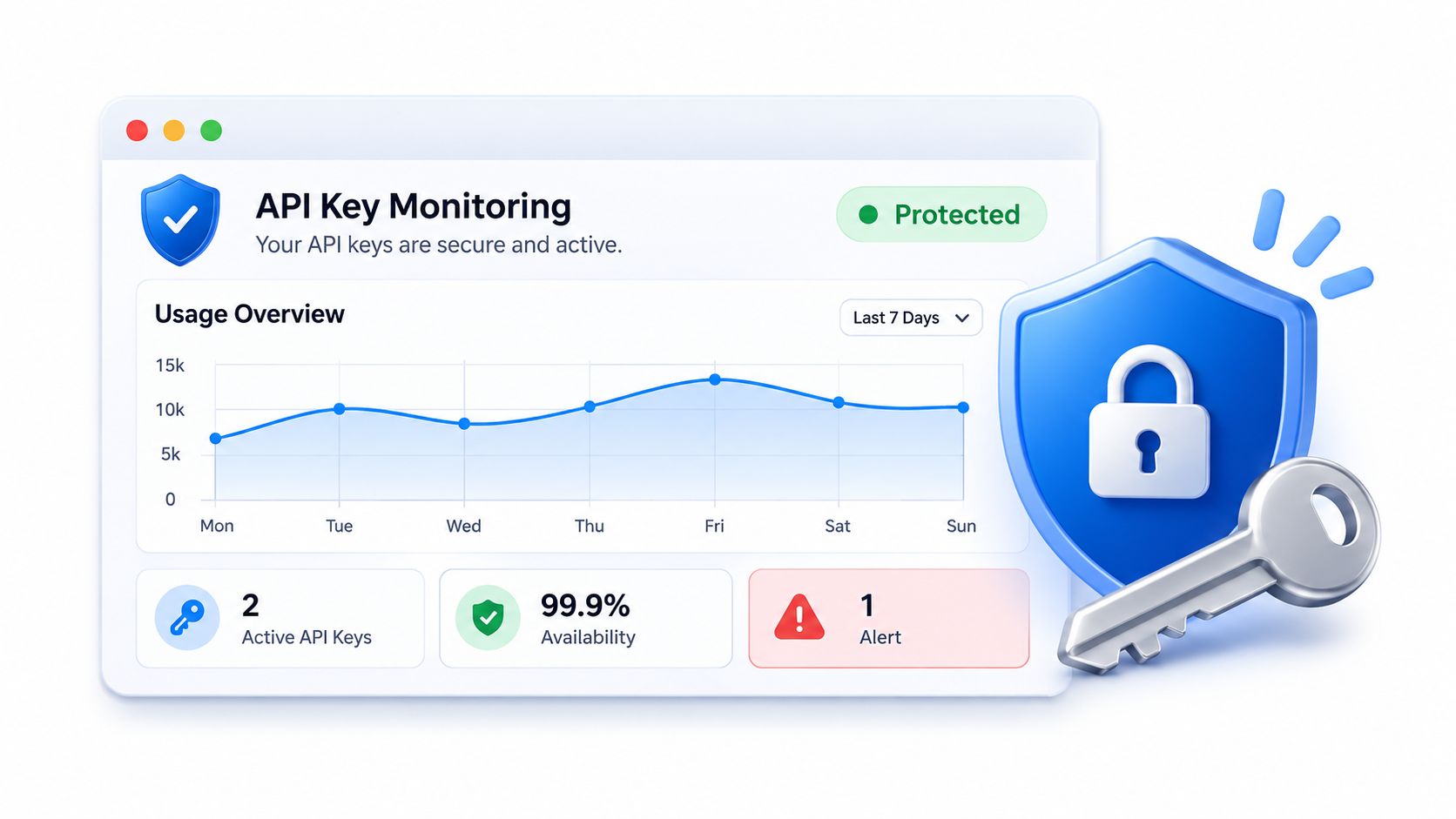
Nightfall AI's 2024 analysis found that 35% of exposed API keys it discovered were still active (Nightfall AI). Detection only helps if it leads to action.
Instrument the key, not just the endpoint
Log the key ID, caller, endpoint, timestamp, response status, and request volume. Never log the key itself. Alert on rising 401, 403, or 429 rates, unusual quota consumption, unexpected geography, and changes in which endpoints a key calls. OWASP's guidance on broken authentication cautions against relying on API keys alone to protect high-value resources. Require step-up verification or a separate admin credential for privileged actions.
Set quota alerts and per-key rate limits. Mailbeam fires a quota.threshold webhook event at 80% and 100% of the monthly quota. Its per-key rate limits by plan range from 5 requests per second on Free to 500 on Scale.
The fifteen-minute incident runbook
- Revoke the suspected key. Contain active use before investigating the full timeline.
- Issue a replacement through your normal credential-management process. Keep the new key out of chat and incident tickets.
- Compare recent calls with the key's baseline. Spikes in accepted-address ratios may indicate list testing or a disposable-address flood.
- Assess regulated-data exposure. Ask counsel whether breach notification duties under HIPAA or GDPR have been triggered, and what deadlines apply. For HIPAA-related cases, review these HIPAA breach notification steps.
- Search beyond source code. Check build artifacts, container images, and exported logs for copies of the exposed key.
How the eight API key security practices compare by risk addressed and effort required
| Practice | Primary Risk Addressed | Implementation Effort | Best For |
|---|---|---|---|
| Store API Keys in a Secrets Manager or Environment Variables, Never in Source Code | Keys exposed through code, logs, or backups | Moderate; requires secure configuration and access controls | Keeping credentials separate from code and enabling controlled rotation |
| Keep API Keys Off the Client Side | Keys extracted from browser bundles or mobile apps | Moderate; requires a protected backend proxy | Applications that call third-party APIs from browser or mobile clients |
| Apply Least Privilege with Scoped and Restricted Keys | Excessive access if a key is compromised | Moderate; requires permission planning and reviews | Limiting each service or integration to the access it needs |
| Rotate Keys Regularly and Immediately After Suspected Exposure | Stolen keys remaining usable over time | Moderate; requires coordination and a rotation process | Reducing exposure duration while avoiding service outages |
| Restrict Where Keys Can Be Used with IP, Network, and Origin Allowlists | Leaked keys used from unauthorized locations | Moderate; requires network configuration and testing | Backend services with stable egress IPs or supported private connectivity |
| Use Separate Keys for Each Environment | Development or staging credentials exposing production | Low to moderate; requires separate key configuration | Teams managing development, staging, and production environments |
| Transmit Keys Securely over TLS in Headers, Not in URLs | Key exposure through network traffic, URLs, or logs | Low to moderate; requires TLS enforcement and log redaction | All API integrations transmitting credentials |
| Monitor Key Usage, Detect Exposures, and Respond Quickly | Undetected misuse or delayed response to exposure | High; requires monitoring, alerts, scanning, and response procedures | Teams needing early abuse detection and a reliable incident response process |
Start With Storage and Scanning, Then Build Toward Full Lifecycle Control
API key controls fail when teams cannot identify who owns a key, deploy a replacement safely, or revoke access quickly. Build those steps into the key's lifecycle, from its first storage location to incident response.
This week, remove keys from source control and enable secret scanning with push protection. Add Gitleaks to the pre-commit hook, then check that production keys are not stored on developer laptops. Keep staging and production credentials separate so a test integration cannot expose production access.
This month, assign each key an owner, purpose, and narrow scope. Write a rollover procedure that an on-call engineer can follow without waiting for approval. Add quota alerts and per-key rate limits so a runaway signup-verification job can be detected before it consumes the available quota.
This quarter, automate rotation through your secrets manager. Track authentication and rate-limit responses, including 401, 403, and 429 errors, and review inactive keys. Exercise the breach response path, including how the team will notify affected customers.
Plan for the trade-offs. During a dual-key rollover, the old key remains valid for an overlap period, which reduces outage risk but extends the window for misuse. IP allowlists can reduce exposure, but they can block workloads without stable, supported network paths.
A calendar reminder alone is not a rotation process. Store the replacement key in the secrets manager, inject it at deployment, and make revocation available to the engineers responsible for the integration. Those controls limit the time a leaked key can burn quota or expose data.
Mailbeam is a real-time email verification API for signup flows, with verification processing on EU-hosted infrastructure. Requests to https://api.mailbeam.dev/v1/verify use a Bearer API key in the Authorization header. An API key is ready in the dashboard after your first login. You can create an account, run a free single-address check without an API key, and store the key securely before making authenticated requests.