
You've got a name, a company, and a reason to reach out. Then you hit the awkward part. You need the person's work email, and guessing wrong feels sloppy.
That's usually why people search for the BCG email format. Maybe you're applying for a role and want to follow up thoughtfully. Maybe you're doing partnership outreach. Maybe you're building a small, carefully researched contact list for recruiting or market research. In each case, the problem is the same: you know the person, but you don't know the exact address.
The good news is that large firms like BCG usually follow recognizable naming rules. The less convenient truth is that “recognizable” doesn't mean “single universal pattern.” Big organizations often standardize heavily while still leaving room for alternate formats, legacy records, and subsidiary domains.
That means this isn't really a memorization problem. It's a logic problem.
If you treat corporate email like a naming system instead of a mystery, the process gets much easier. You identify the likely domain, narrow the likely pattern, generate a short list of candidates, and then verify responsibly before sending anything. That's a lot better than scraping lists, blasting guesses, or trusting one random format site as if it were final.
Table of Contents
- Introduction to BCG Email Patterns
- How Corporate Email Formats Work
- Most Common BCG Email Format and Key Variants
- Why Different Sources Report Different BCG Patterns
- How to Deduce a BCG Email Address Respectfully
- Verifying Your Guess Before You Hit Send
- Putting It All Together for Smarter Outreach
Introduction to BCG Email Patterns
A common situation looks like this. You want to contact a BCG consultant named Priya Mehta. You know she works at Boston Consulting Group. You know the company domain is probably bcg.com. But the part before the @ symbol is still a puzzle.
Is it priya.mehta@bcg.com? pmehta@bcg.com? mehta.priya@bcg.com? Something else?
That uncertainty matters because professional outreach is fragile. One wrong address can bounce. Two or three wrong guesses can make your process look careless. If you're doing outreach at any scale, bad guesses also create list hygiene problems and can hurt sender reputation over time.
What people usually get wrong
Most beginners assume a company has one pattern and everyone uses it. That would be convenient, but real organizations don't always work that neatly.
BCG is a good example of why. Publicly reported format datasets point to strong standardization, but they also show meaningful variation. Some sources emphasize one dominant structure. Others highlight a different leading pattern. And some alternate domains inside the broader BCG organization appear to follow their own conventions.
The useful goal isn't finding a magical master list. It's narrowing the highest-probability options and checking them in a way that respects privacy and deliverability.
What a responsible workflow looks like
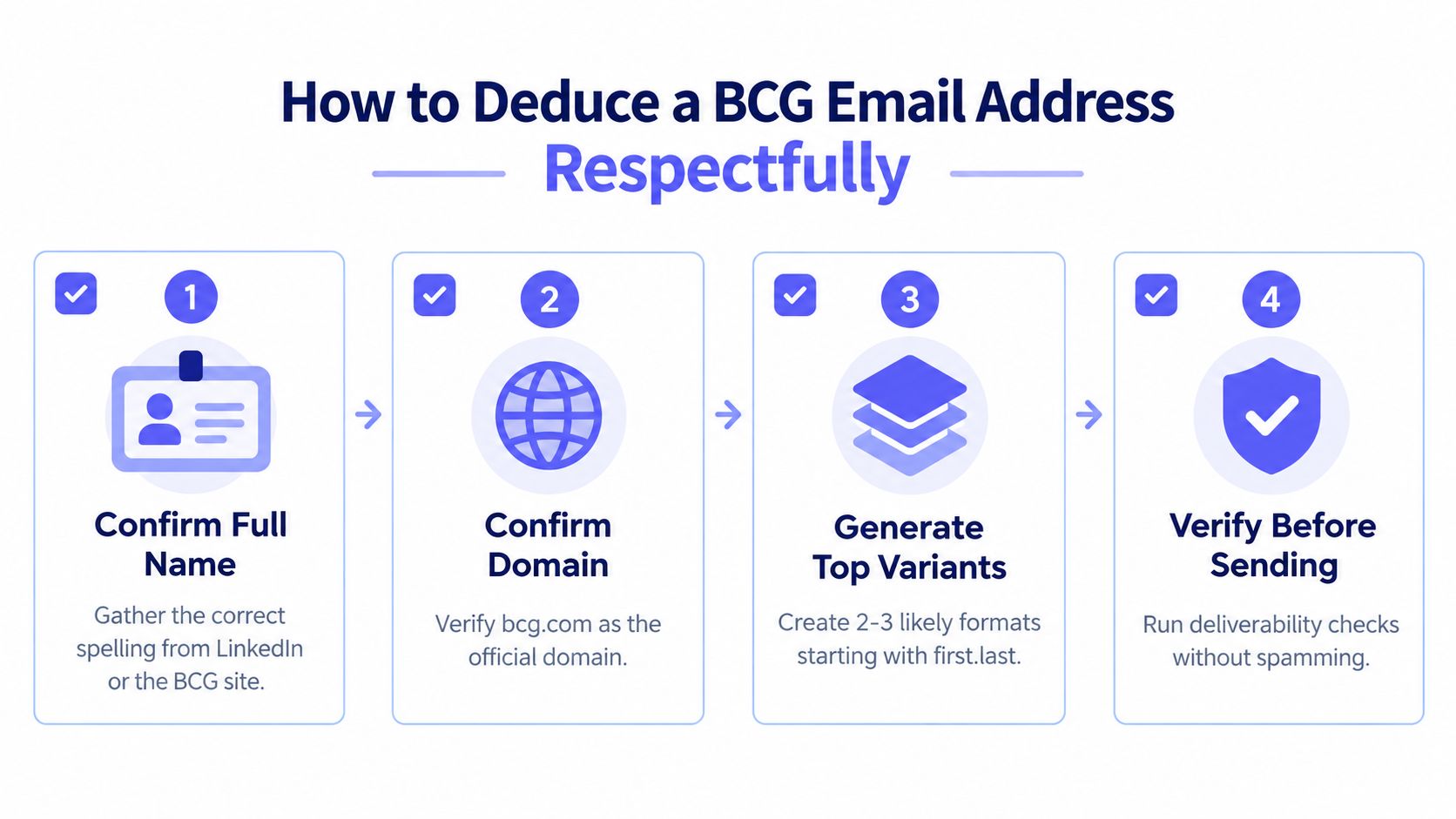
A careful approach usually has four parts:
- Identify the person correctly. Get the exact spelling of the first and last name.
- Confirm the right domain. For many BCG contacts, that will be
bcg.com, but not every related entity uses the same domain. - Generate a short candidate list. Start with the most plausible patterns, not dozens of guesses.
- Verify before sending. Use explainable checks instead of trial-and-error emailing.
That last point is where many people get confused. Verification doesn't mean spamming permutations until one works. It means checking whether an address is structurally valid and likely deliverable before you send a real message.
How Corporate Email Formats Work
Corporate email formats are a lot like a company uniform. The people are different, but the structure is meant to be consistent so everyone is easy to identify inside the same system.
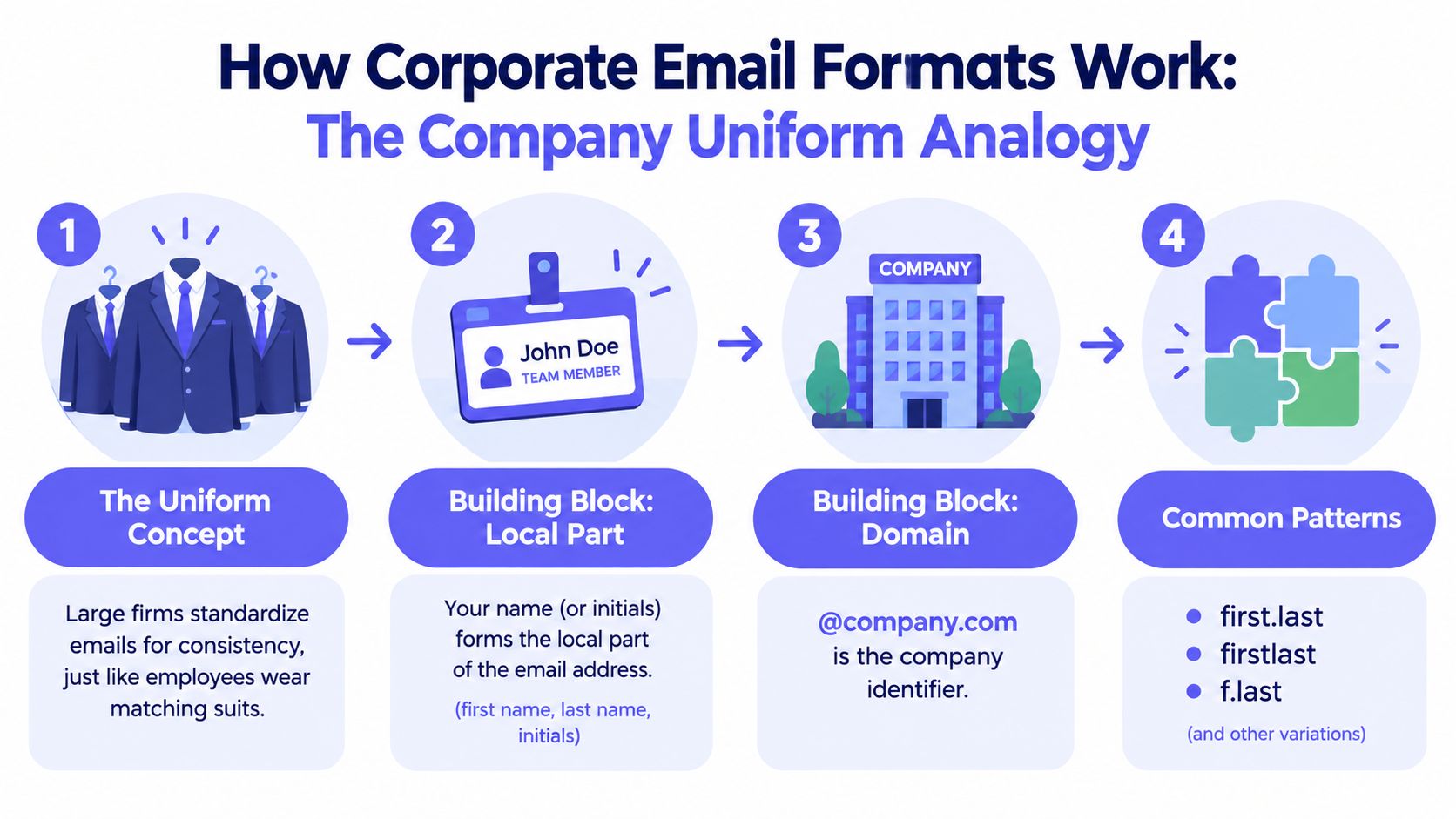
When a firm grows, it usually can't let every employee choose any email style they want. IT teams need predictability. Colleagues need to find one another. External partners need addresses that make sense. So companies settle on a naming rule and apply it broadly.
The two parts of a work email
Every work email has two main pieces:
- Local part: the name before the
@ - Domain: the part after the
@
In jane.smith@company.com, jane.smith is the local part and company.com is the domain.
The domain tells you which organization owns the mailbox. The local part tells you how that organization labels individual people. If you want a beginner-friendly explanation of that structure, this guide to email validation format basics is useful because it breaks down the naming rules in plain language.
Common naming templates
Companies usually build the local part from a few ingredients:
- First name
- Last name
- First initial
- Last initial
- A separator, often a period
- Occasional fallback variations when names collide
That creates familiar templates such as:
- First dot last like
jane.smith - First initial plus last like
jsmith - Last dot first like
smith.jane - Firstlast like
janesmith
Why one company can have several patterns
Beginners often hesitate at this point. If a company is standardized, why would multiple formats exist at all?
A few reasons are common:
- Legacy systems. Older employee records may follow an earlier naming rule.
- Name collisions. Two people with the same name can force exceptions.
- Acquisitions or subsidiaries. Related entities sometimes keep separate domains and separate logic.
- Regional or departmental setups. Large global organizations sometimes inherit different admin practices.
Practical rule: Think in terms of a primary pattern plus a backup set, not one perfect formula.
That mindset matters for BCG because it helps you avoid false confidence. A likely format is useful. An assumed format can mislead you.
Most Common BCG Email Format and Key Variants
If you want the shortest answer first, one large contact dataset reports that first.last@bcg.com is the most common BCG work-email pattern at 88.3%, with first_initiallast@bcg.com at 2.7% and first_initiallast_initial@bcg.com at 0.2%. The same source says it has observed 12 distinct BCG work-email formats, which points to strong standardization with a real long tail of exceptions in a very large organization, according to RocketReach's BCG format dataset.
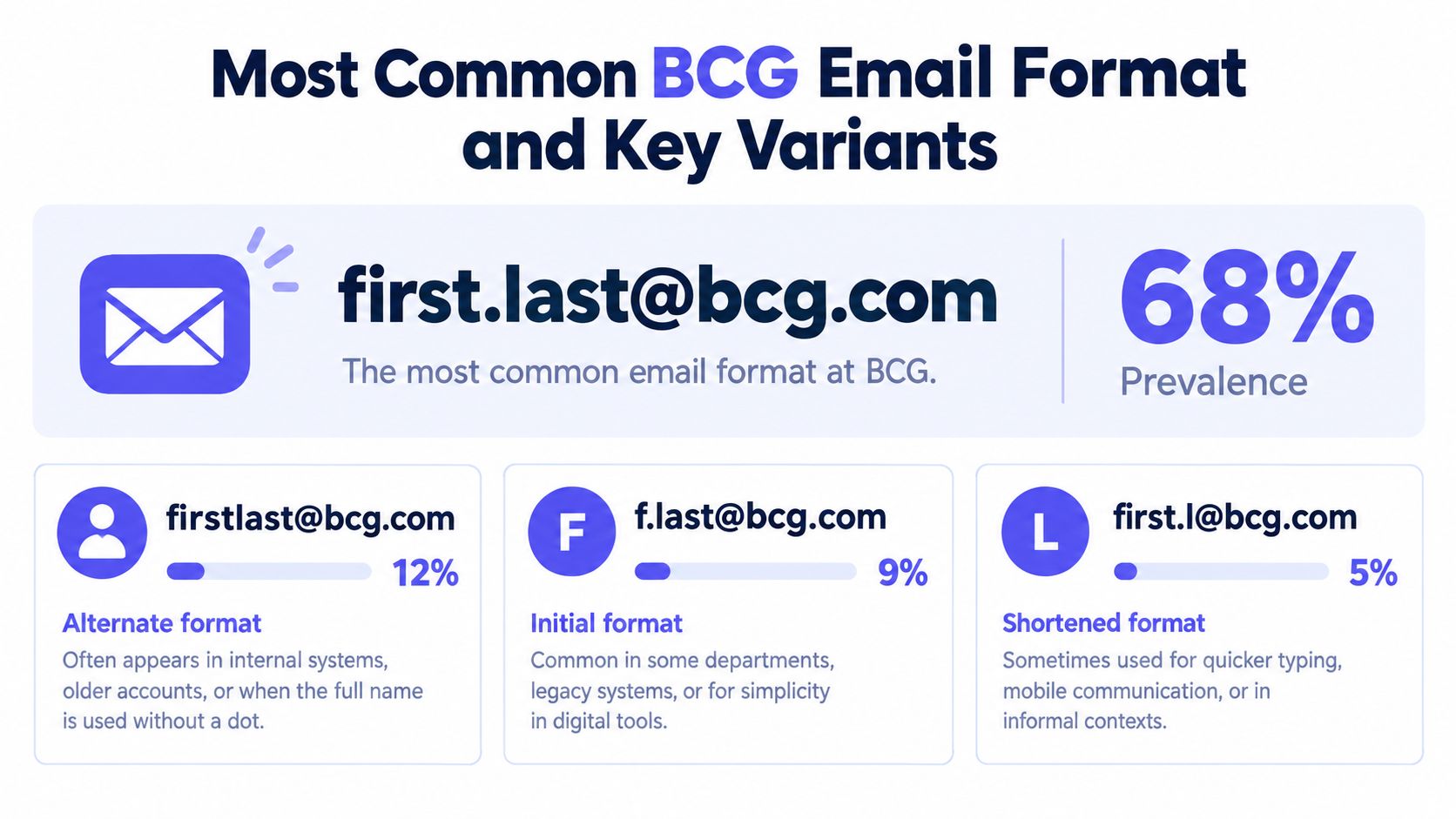
That gives you a practical starting point. If you're constructing a likely BCG address for one person at bcg.com, first.last@bcg.com is the first candidate many people would sensibly test.
What 12 formats means in practice
“12 formats” can sound dramatic, but it doesn't mean chaos.
It usually means one format does most of the work, while a collection of alternate templates covers edge cases. Those alternates may include structures based on just the first name, just the last name, merged names, initials, or rarer combinations.
A separate independent dataset also reports multiple BCG patterns and notes that one observed mix includes 6 formats, with last_firstInitial appearing in about 58% of observed addresses. That same source family also lists variants such as first, first_initiallast, firstlast, and last, reinforcing the idea that exact-match discovery should test more than one candidate, as summarized by another RocketReach BCG email-format listing.
Which pattern should you try first
For a single-contact workflow, the simplest priority order is usually:
- Start with
first.last@bcg.comwhen you're dealing with the main BCG domain and have no contradictory signal. - Keep
first initial + lastin reserve because at least one dataset shows it as an active secondary pattern. - Be open to additional variants if the first pass doesn't validate cleanly.
Key takeaway: BCG appears highly standardized, but “highly standardized” isn't the same as “single-format only.”
That's the distinction that matters most. People often treat email discovery like trivia. It works better when you treat it like probability.
A simple example
Suppose the contact is Daniel Lee and the domain is confirmed as bcg.com.
Your initial candidate order might be:
daniel.lee@bcg.comdlee@bcg.com- Another plausible alternate only if your verification step suggests the first two don't fit
That's a short, disciplined list. It's better than generating every permutation you can think of.
Why Different Sources Report Different BCG Patterns
If you've looked up the BCG email format on multiple sites, you may have noticed something annoying. The sources don't fully agree.
One reports first.last@bcg.com as dominant. Another says last.first@bcg.com is the majority pattern for its observed contacts. At first glance, that looks like one of them must be wrong. In practice, it usually means the datasets were built differently.
Side-by-side comparison
Here's a compact view of the reported split.
| Format Pattern | Dataset A Share | Dataset B Share |
|---|---|---|
first.last@bcg.com |
88.3% | 36% |
first_initiallast@bcg.com |
2.7% | 1% |
last.first@bcg.com |
Not specified | 62% |
first@bcg.com |
Not specified | 1% |
first_initiallast_initial@bcg.com |
0.2% | Not specified |
The second dataset also notes a domain-specific variation inside the broader group. It says that at bcgplatinion.com, last.first@bcgplatinion.com accounts for 90% of contacts in its sample, which illustrates how conventions can vary by subsidiary and domain. Those figures come from Mailsfinder's BCG format page.
Why disagreement doesn't make the data useless
Different format datasets can diverge for normal reasons:
- Different samples. One source may see more current contacts, another more historical ones.
- Different collection methods. Publicly observed records aren't the same as official internal directories.
- Different domain scope. A source may blend related entities while another focuses tightly on one domain.
- Different normalization rules. Some providers may classify edge-case variants differently.
That means you shouldn't read any single percentage as an eternal company law. You should read it as a directional clue.
How to use conflicting data sensibly
When sources disagree, your job isn't to pick a winner and ignore the rest. Your job is to build a testing order.
Start with the pattern that seems most plausible for the exact domain you're using. Then prepare one or two fallback variants. If the contact appears tied to a subsidiary or specialist arm, don't assume the parent-company pattern carries over unchanged.
Conflicting format data is a reason to test carefully, not a reason to guess wildly.
That's a healthier way to think about it. The disagreement teaches something valuable: domain context matters.
How to Deduce a BCG Email Address Respectfully
Once you understand the logic, the process becomes much calmer. You don't need to scrape. You don't need to harvest giant lists. You just need a disciplined method for one contact at a time.
A useful companion if you want the verification side explained separately is this guide on how to test email addresses.
Step 1 and Step 2
First, confirm the person's identity. Get the exact spelling of the full name from a public professional profile, the BCG site, a conference page, or another direct source. This sounds basic, but many bad guesses start with a nickname, missing middle element, or misspelled surname.
Second, confirm the domain. Don't assume every BCG-related contact uses bcg.com. Some teams may sit under a different domain, and that changes the whole pattern problem.
Step 3 and Step 4
Third, generate a very short candidate set. For a main-domain BCG contact, many people would begin with the likeliest construction and then add one or two alternates. Stop there unless you have evidence pointing elsewhere.
Fourth, look for public confirmation signals without scraping. For example, a person's published author page, event bio, or press mention may reveal the company domain or naming style indirectly. You're looking for clues, not building a shadow directory.
A respectful one-contact checklist
- Use real names, not assumptions. If the public profile says “Alexander,” don't build candidates from “Alex” unless the person uses that form professionally.
- Match the domain to the entity. Parent company and subsidiary domains may follow different rules.
- Limit your variants. A compact list is more responsible than brute-forcing every pattern.
- Personalize the outreach. Careful research beats volume almost every time.
- Verify before any send. That protects both your sender reputation and the recipient experience.
What respectful deduction is not
It isn't bulk guessing.
It isn't copying scraped lists into an outreach tool and hoping some fraction lands. It also isn't sending multiple test emails to see which one bounces less obviously. If your process depends on trial-and-error sending, the process needs work.
If you wouldn't be comfortable explaining your method to the recipient, the method probably needs to change.
That standard keeps the work clean. It also tends to produce better outreach because it forces you to slow down and care about accuracy.
Verifying Your Guess Before You Hit Send
A guessed address becomes much more useful once you verify it. This is the stage where you reduce bounce risk and decide whether an address looks sendable, questionable, or worth skipping.
If you want a broader walkthrough of that process, this explainer on how to check if an email address exists covers the logic in a straightforward way.
What a useful verification check looks at
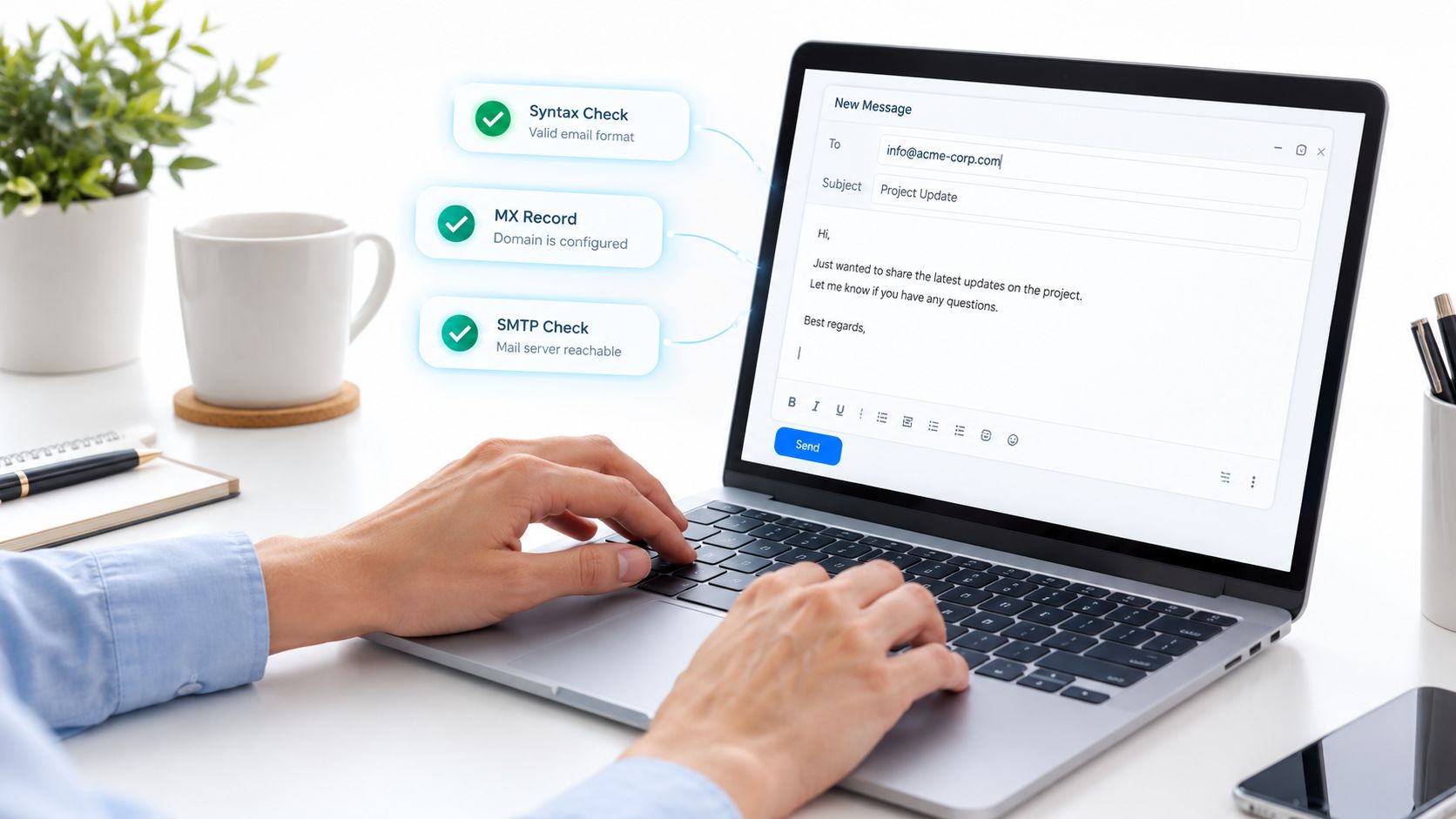
A solid verifier doesn't just ask whether an address “looks right.” It layers several checks together.
- Syntax check. Does the address follow valid email structure rules?
- Domain and mail routing check. Is the domain set up to receive email?
- Mailbox-level probing. Is there evidence the specific address exists?
- Disposable and role-based screening. Is this a personal throwaway or generic inbox instead of a named professional contact?
- Catch-all assessment. Does the domain accept mail broadly, making mailbox-level certainty harder?
Those checks matter because each one answers a different question. A syntactically valid address can still be undeliverable. A real domain can still lack the specific mailbox you want.
Why explainable results matter
The best validation workflows don't just output yes or no. They tell you why.
If a result says the syntax is clean but the mailbox can't be confirmed, you'll treat that differently from an address with a malformed local part. If a domain appears catch-all, you'll know certainty is limited even when the address seems plausible.
This is one place where tools differ in usefulness. For example, Mailbeam offers real-time verification with checks that include syntax, MX, SMTP existence, disposable detection, role-based detection, free-provider checks, and catch-all assessment, along with a score and machine-readable reason output. Its product materials also state EU-hosted infrastructure and GDPR-first handling, which matters for teams that care about compliance.
How verification changes your decision
Once you verify, you're no longer deciding from guesswork alone. You're deciding from evidence.
That usually leads to one of three outcomes:
- Send if the address checks out cleanly.
- Fix and retest if the pattern seems close but something is off.
- Skip if the result is weak or ambiguous and you don't have a strong reason to proceed.
Verification doesn't guarantee a reply. It improves the odds that your message reaches a real inbox without creating preventable bounce risk.
That's the right expectation. Verification is about delivery confidence, not persuasion.
Putting It All Together for Smarter Outreach
The BCG email format is easiest to handle when you stop treating it like a hidden fact and start treating it like a solvable pattern.
You begin with the person's exact name and the correct domain. You form a short list of likely addresses based on known corporate naming logic. You don't assume one template works for every person or every BCG-related entity. Then you verify before sending.
The working habit that saves the most trouble
A simple habit does most of the work:
- Start narrow with the most plausible pattern
- Keep one or two alternates ready
- Verify the candidate
- Send one thoughtful message, not a spray of guesses
That approach is cleaner for your CRM, safer for your sender reputation, and more respectful to the person you're contacting.
Common mistakes to avoid
A few errors cause most of the frustration:
- Assuming the parent-company domain logic applies everywhere
- Relying on one format site as if it were definitive
- Generating too many permutations
- Skipping verification
- Sending generic outreach after doing careful contact research
Good outreach isn't just about finding an address. It's about pairing accuracy with judgment.
If you keep that standard, the BCG email format becomes manageable. Not because it's perfectly uniform, but because you know how to work with uncertainty without becoming reckless.
If you want to turn pattern guesses into cleaner send decisions, Mailbeam offers real-time email verification tools and an API that check syntax, domain setup, mailbox signals, disposable status, role-based risk, and catch-all behavior. That makes it useful when you've narrowed a likely BCG address and want an explainable validation step before outreach or list entry.