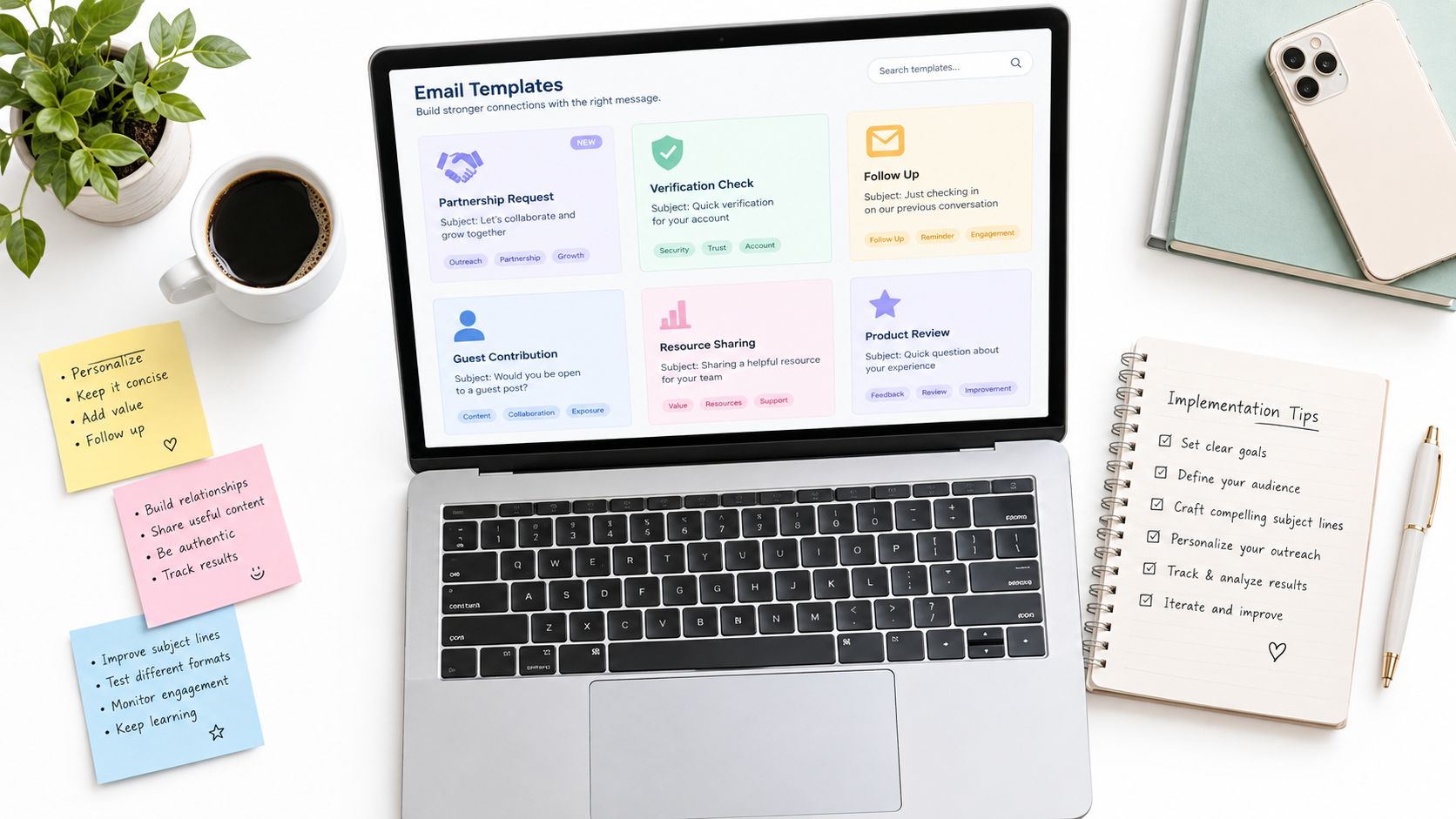
A partnership request can look perfect in your sent folder and still fail before the recipient sees it. You may have a strong proposal, a clear next step, and a carefully selected list, yet some addresses will be disposable, role-based, mistyped, or no longer deliverable. A quick verification step before sending protects the message, your sender reputation, and the recipient's trust.
That matters across the whole collaboration workflow. A signup email needs a valid address before an account is created. A partner invitation needs to reach an identifiable owner. A transactional message must arrive when the user expects it. A re-engagement campaign needs a clean audience, not just an old export from the CRM.
The eight collab email template ideas below follow those points in the workflow. They cover real-time signup checks, bulk list hygiene, partner onboarding, transactional pre-flight validation, re-engagement, compliance logging, team invitations, and developer integrations. Each one includes a practical verification step and a limitations section, because no address signal should be treated as a perfect substitute for judgment.
Table of Contents
- 1. Real-Time Signup Verification Email Template
- 2. Bulk Email List Cleaning and Hygiene Campaign Template
- 3. Partner and Vendor Onboarding Verification Template
- 4. Transactional Email Verification Pre-Flight Template
- 5. User Re-Engagement Campaign Targeting Template
- 6. Compliance and Audit-Ready Email Verification Logging Template
- 7. Multi-Tenant Platform User Invitation and Team Onboarding Template
- 8. API Developer Integration and Rate-Limit Segmentation Template
- Collab Email Templates, 8-Point Comparison
- Start With One Template and Measure the Change
1. Real-Time Signup Verification Email Template
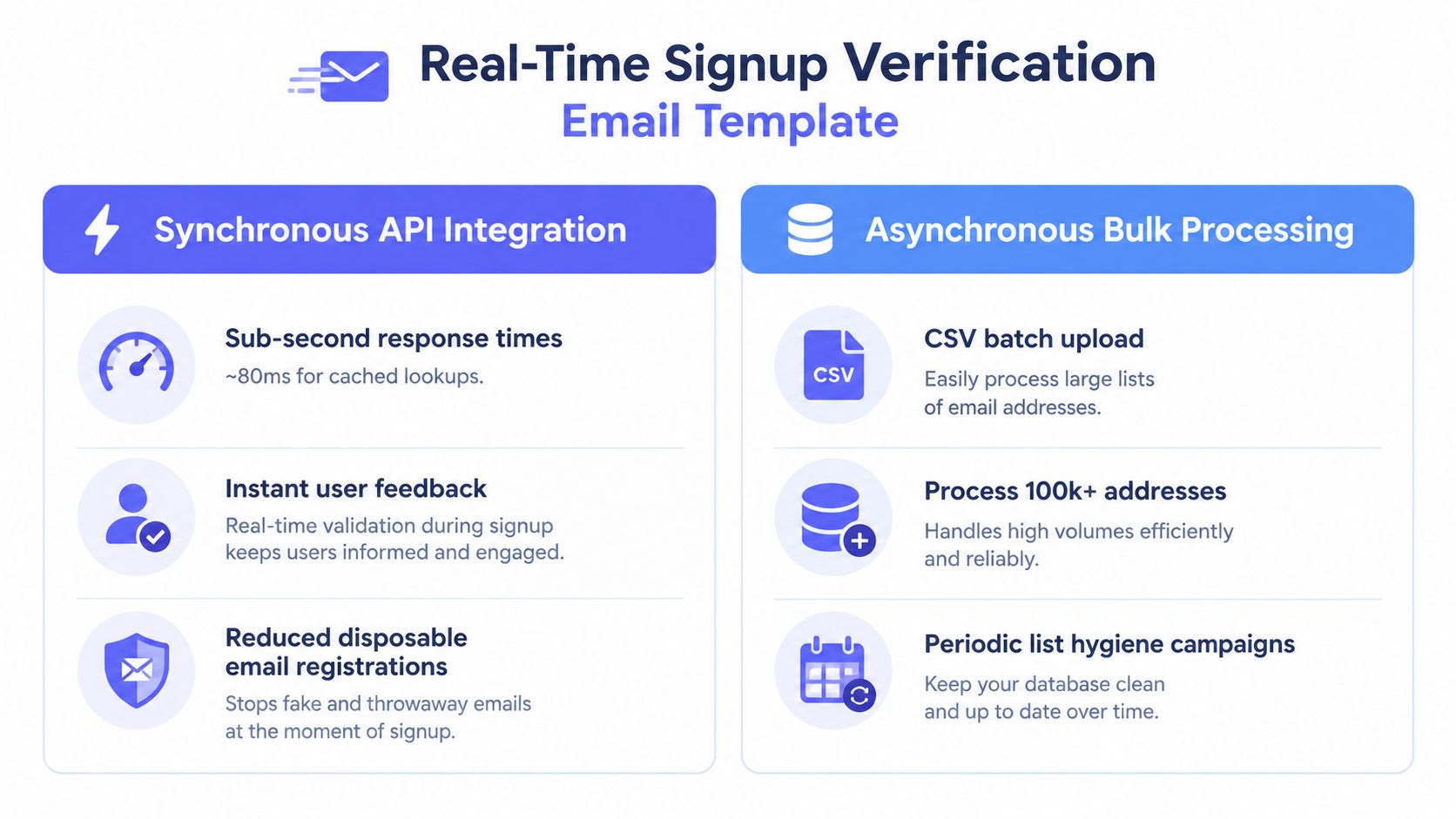
A signup flow should confirm that a user can receive account messages before your system invests in provisioning the account. The email itself can stay simple:
Subject: Confirm your email address for [Product]
Hi [First name],
Please confirm that [email address] belongs to you by selecting the button below.
[Confirm my email]
If you didn't create this account, you can ignore this message.
Thanks,
The [Product] team
The important work happens before this message enters the queue. Pass the submitted address through a real-time verifier that checks syntax, domain records, disposable-domain signals, role-based patterns, and mailbox behavior. Mailbeam's real-time email validation guidance is relevant when the check needs to sit directly inside account creation rather than in a later batch process.
A cached or DNS-focused check usually fits a normal signup better than a full SMTP probe. Reserve deeper checks for sensitive actions, such as financial onboarding. Return machine-readable reason codes, including signals for disposable or catch-all behavior, so the interface can explain what the user should fix. A soft warning is often safer than a hard block for ambiguous results. Catch-all domains, for example, may deserve review rather than automatic rejection.
Limitations
Verification doesn't prove that the person owns the inbox or intends to use the product. The confirmation email still performs that ownership check. It also adds latency and can create friction if the product blocks edge cases too aggressively. Cache results during the same signup session, log outcomes to your event pipeline, and watch response time for regressions.
2. Bulk Email List Cleaning and Hygiene Campaign Template
Legacy contact lists need a different message and a different verification pattern. Start with a short internal handoff that makes ownership clear:
Subject: List hygiene complete for [Campaign or segment]
Hi [team],
The [list name] export has been processed and segmented by verification outcome. Please use the approved segment for the next campaign, suppress rejected and disposable addresses, and review role-based contacts against recent engagement.
The results file and processing notes are stored in [location].
Owner: [name]
Next action: [CRM update or campaign launch]Thanks,
[Name]
Upload the CSV to an asynchronous verifier during a low-traffic window. Store the returned reason codes in the CRM, using labels such as valid_smtp, risky_domain, disposable, or role_based. That lets campaign logic distinguish a likely delivery problem from a shared mailbox that may still be commercially useful.
The workflow should include an archive of the result file, the processing date, the list version, and the person who approved the final audience. Mailbeam's email database cleaning workflow fits teams that need both batch processing and a repeatable hygiene process. Don't treat one successful pass as permanent proof. Addresses change, domains expire, and old records lose context.
Limitations
Cleaning improves list quality, but it doesn't tell you whether a contact still wants to hear from you. A technically deliverable address can still produce complaints or unsubscribes. Combine verification with engagement history and suppression rules. A role-based address may be appropriate for a vendor inbox, while it may be a poor fit for an individual partnership message.

3. Partner and Vendor Onboarding Verification Template
Partner onboarding often fails in a less visible way. The record is created, access is granted, and later a security notice or payout instruction goes to an address nobody monitors. Use a confirmation message that identifies the relationship and the next action:
Subject: Confirm your partner account for [Company]
Hi [name],
Welcome to the [Company] partner program.
Please confirm [email address] to activate your partner workspace. After confirmation, you'll be able to access [portal, documentation, or resources].
For account security, critical notifications will be sent to the verified owner address. If this isn't the right contact, reply with the individual who should manage the account.
[Confirm partner account]
Best,
[Partner team]
Run verification during partner creation and again before provisioning API keys or sensitive access. A role-based address such as info@company.com may be valid for general correspondence, but it's a weak choice for ownership, security alerts, or payout communication. Warn the partner and request an individual contact rather than automatically treating every shared mailbox as invalid.
Use a webhook when verification fails. The partner-success team can then contact the organization through an approved alternative channel instead of leaving the record in an uncertain state. Store the outcome in the partner audit trail, and assign an escalation path based on the address quality and the sensitivity of the access being requested.
Limitations
An address check can't validate the partner's corporate authority, contractual identity, or beneficial ownership. It also won't eliminate account takeover risk by itself. Pair verification with normal identity, access, and approval controls. Some legitimate enterprises use catch-all domains or shared inboxes, so an ambiguous result should trigger a review path, not an automatic accusation.
4. Transactional Email Verification Pre-Flight Template
Transactional messages deserve a pre-flight check when a bad address would create operational or reputational cost. The internal event can be concise:
Subject: Transactional email approved for delivery
Message body:
- Recipient: [email address]
- Message type: [password reset, order confirmation, activation]
- Verification outcome: [accepted, review, rejected]
- Reason: [machine-readable code]
- Fallback: [SMS, in-app notification, support contact]
- Request ID: [identifier]
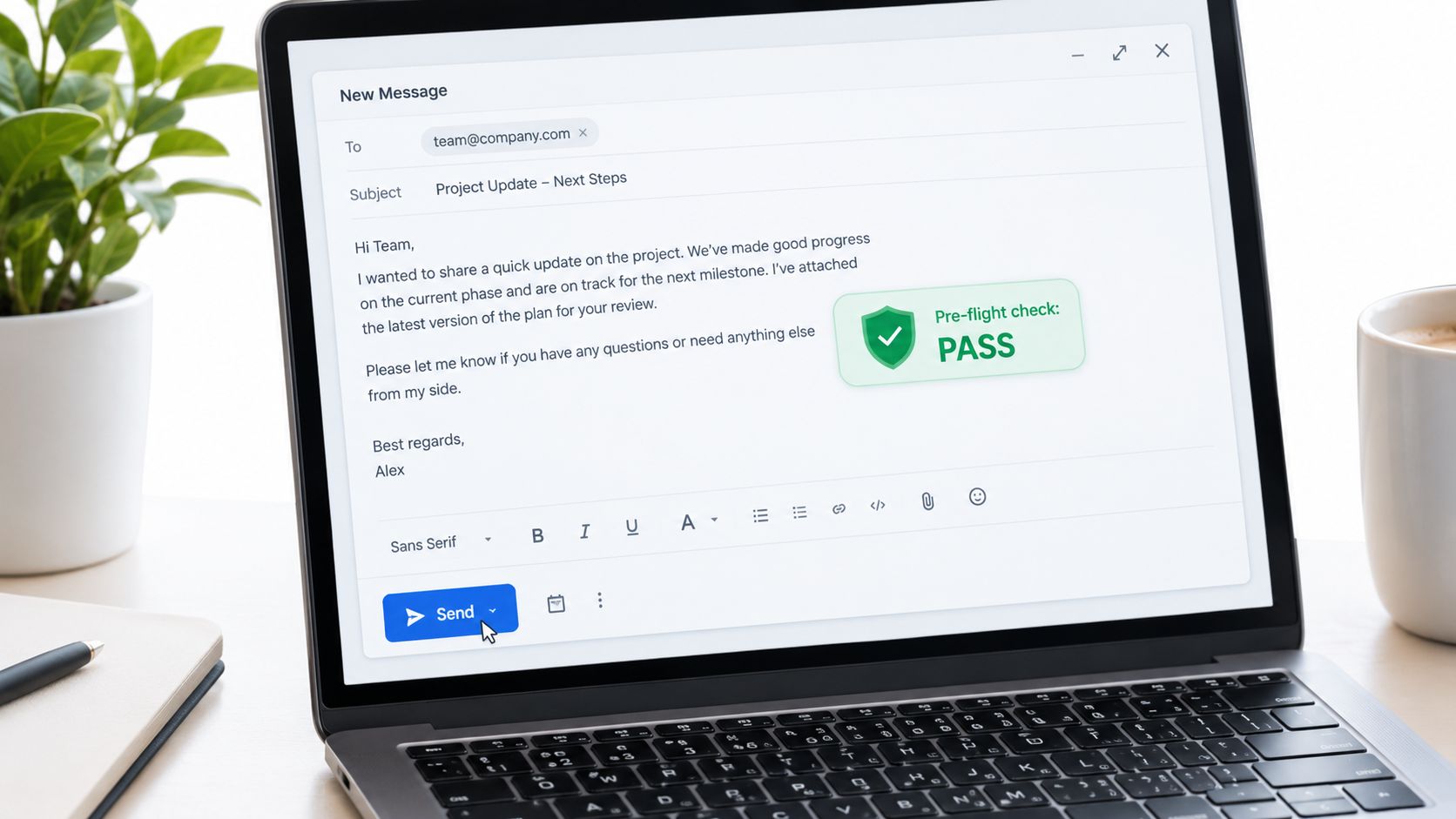
The application should verify the recipient before placing the message in the outbound queue. Cache the result during the current session so a password-reset flow doesn't repeatedly check the same address. For low-confidence results, use a fallback channel where the product already has permission and capability to do so.
A good implementation separates the user experience from the internal decision. The user may see, “We couldn't confirm this address. Check the spelling or choose another notification method,” while engineering receives the detailed reason code and request ID. This keeps the explanation useful without exposing infrastructure details.
Limitations
A pre-flight check adds another dependency to a time-sensitive path. A verifier outage, timeout, or ambiguous mailbox response can delay a legitimate password reset or order notice. Design a clear fail-open or fail-closed policy for each message type. Security alerts may justify stricter handling than a low-risk product update, while an order confirmation may need a retry and an alternative notification path.
Don't confuse a valid mailbox with guaranteed inbox placement. Filtering, sender configuration, content, and recipient behavior still affect delivery. Track verification latency and delivery outcomes separately, because one can't explain every failure in the other.
5. User Re-Engagement Campaign Targeting Template
Re-engagement works better when the audience decision comes before the copy decision. Use a team note that forces the sender to connect email quality with actual engagement:
Subject: Re-engagement segment ready for [Product or audience]
Hi [team],
The dormant-user audience has been divided by recent engagement and address quality.
Please send the first message to [approved segment], suppress disposable and undeliverable records, and route shared or role-based addresses to the account owner where appropriate. The campaign owner should review the subject line, offer, suppression rules, and fallback channel before launch.
Primary action: [reactivate account, update preferences, return to workspace]
Owner: [name]
Review date: [date]
Thanks,
[Name]
A good collab email template for this workflow should contain only the variables the team can support. Useful fields include product activity, last meaningful interaction, account owner, preferred channel, and verification tier. Don't insert personal details merely to make a message look customized. Relevance comes from a credible reason to contact the user.
Use verification outcomes alongside engagement data. A catch-all address with no recent activity may deserve suppression, while a deliverable address belonging to a high-value business account may justify a manual route. Shared mailboxes can also distort engagement reporting, since several people may interact with one address.
Limitations
Email quality doesn't predict willingness to return. A valid address may belong to a disengaged user, and a risky address may represent a valuable account that needs a different contact route. Re-engagement can also create complaints when the audience has forgotten the original relationship. Apply consent, suppression, and preference rules before using any verification segment.
Judge the campaign by the quality of reactivated accounts and the downstream behavior, not by sends alone. Address verification is a targeting input, not a substitute for a useful reason to come back.
6. Compliance and Audit-Ready Email Verification Logging Template
Regulated teams need more than a pass or fail. They need to show what happened, which decision followed, and who changed the rule. A structured internal record can use this format:
Subject: Verification event recorded for [workflow]
Event record:
- User or account ID: [identifier]
- Address reference: [masked or controlled value]
- Timestamp: [system timestamp]
- Workflow: [signup, notification, partner access]
- Outcome: [accept, warn, reject]
- Reason code: [code]
- Score or result: [returned value]
- Decision rule: [policy version]
- Actor: [service or reviewer]
- Next action: [send, retry, escalate]
Route webhook events to a centralized logging system and keep verification records distinct from ordinary transactional logs. The record should support an auditor's basic questions: what was checked, when it was checked, what the system returned, and why the application proceeded or stopped.
For GDPR-focused operations, document the data path and retention behavior in internal policies. Mailbeam's GDPR-compliant email marketing resource can help teams align the verification workflow with their broader handling controls. Use masked identifiers where a full address isn't necessary for investigation, and restrict access to raw data.
Limitations
An audit log proves that a process ran. It doesn't prove that the process was proportionate, that the threshold was correct, or that the organization had a lawful basis for the wider communication. Compliance teams still need policies, access controls, retention decisions, and documented ownership.
Avoid hard-coding an unexplained score threshold into application logic. Version the policy and record the version used for each decision. Review logs for unusual rejection patterns, but don't retain more personal data than the workflow needs.
7. Multi-Tenant Platform User Invitation and Team Onboarding Template
An invitation should tell the recipient who sent it, what access they'll receive, and why the address was selected:
Subject: [Owner name] invited you to [Workspace]
Hi [invitee name],
[Owner name] has invited [email address] to join the [Workspace] workspace on [Product].
You'll receive access to [project, team, or role] after accepting the invitation. If this invitation was sent to a shared mailbox, ask the workspace owner to add your individual address for account security and clearer ownership.
[Accept invitation]
If you weren't expecting this invitation, contact [support or workspace owner].
Best,
The [Product] team
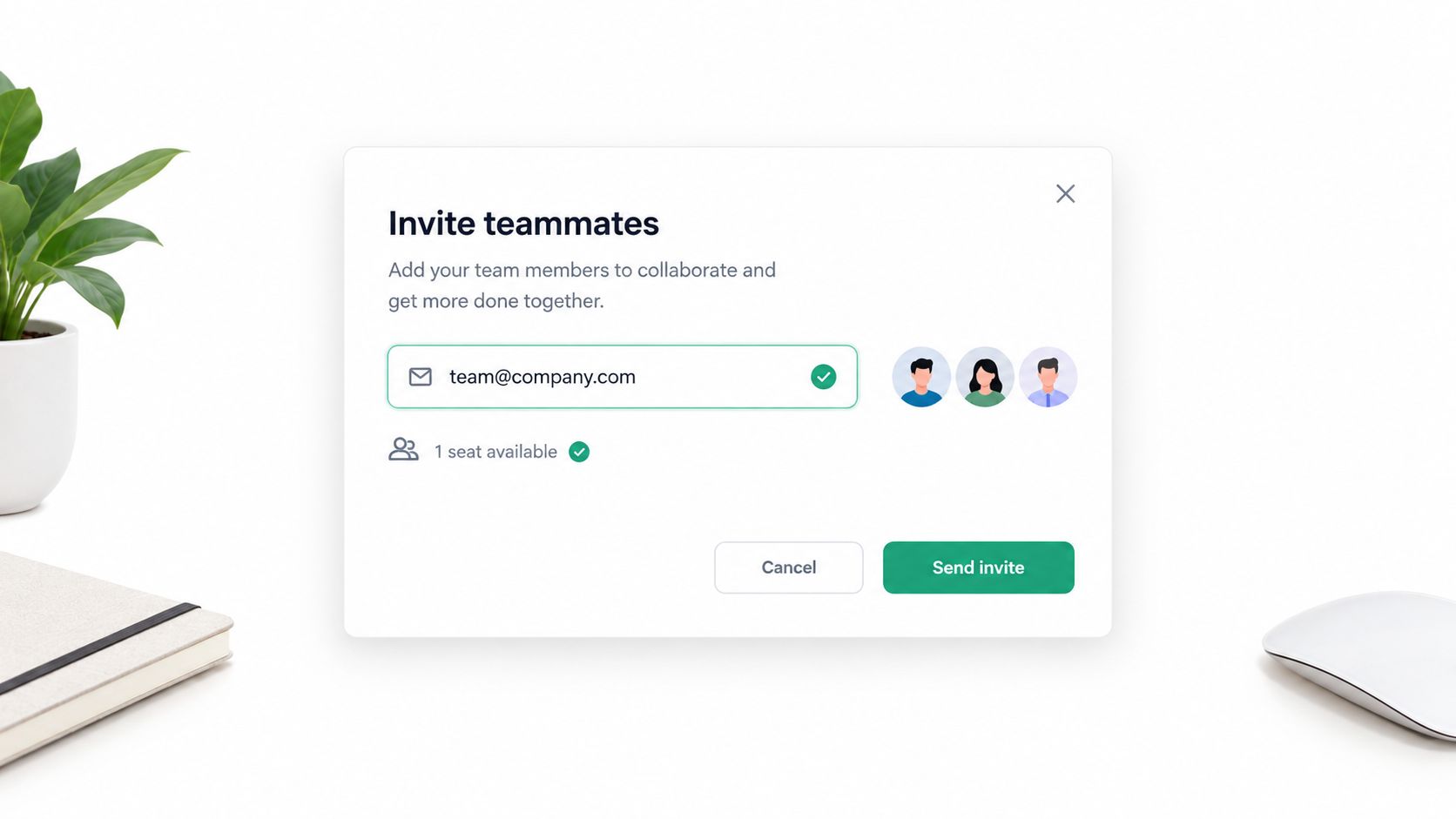
Verify the address while the owner is creating the invitation, then show the result inline. A clearly inactive address should prompt correction. A role-based address should usually produce a warning rather than an automatic block, especially in businesses that use shared operational inboxes.
Record rejection reasons in product analytics. A pattern of failures at a particular domain may indicate stale customer data, an internal typo, or a domain policy that needs a support explanation. Catch-all results may justify sending a confirmation message before counting the seat as active.
Limitations
Verification doesn't tell you whether the invitation is appropriate or whether the invitee has permission to join the workspace. It also can't guarantee that a shared mailbox will be monitored by the intended person. Seat-based products should avoid counting an invitation as active membership until the recipient completes the normal acceptance flow.
There's a usability trade-off here. Too many warnings make invitations feel broken. Too few checks create unused seats, confused ownership, and security exposure. Keep the message specific, let administrators override low-risk warnings where appropriate, and require stronger confirmation for privileged roles.
8. API Developer Integration and Rate-Limit Segmentation Template
If you expose verification inside an API product, developers need an operational contract, not just an endpoint description. Use an onboarding email that points them toward safe integration patterns:
Subject: Your email verification API workspace is ready
Hi [developer],
Your [Product] verification workspace is ready.
Start with the [signup validation, list cleaning, or transactional pre-flight] example in the documentation. Your integration should cache repeat checks where appropriate, use asynchronous processing for large files, and handle reason codes without relying on a single Boolean result.
Please review:
- API key storage and rotation
- Rate-limit headers and quota behavior
- Webhook signature validation
- Retry handling and idempotency
- Sandbox responses
- User-facing error variants
If your expected volume changes, contact [support or account owner] before production launch.
Best,
[Developer team]
Separate limits by account, environment, and workflow where your product model requires it. A signup flow has different latency needs from a list-cleaning job. Provide HTTP examples for both, document quota behavior clearly, and show how caching and batching affect request planning. Webhooks should notify developers about quota warnings and failed asynchronous jobs without forcing them to poll continuously.
Limitations
Rate-limit segmentation adds product and support complexity. Developers may also misread reason codes, retry transient failures too aggressively, or expose internal verification details directly to end users. Your documentation needs stable schemas, clear error semantics, and examples of failure handling.
An API integration doesn't remove the developer's responsibility for consent, data minimization, or access control. Offer a sandbox so teams can test without placing real customer data into an unproven workflow. Monitor usage patterns to improve documentation, but don't turn every usage anomaly into an automated block without context.
Collab Email Templates, 8-Point Comparison
| Template | Core features ✨ | Quality / UX ★ | Value / Pricing 💰 | Target audience 👥 | Unique selling points 🏆 |
|---|---|---|---|---|---|
| Real-Time Signup Verification Email Template | Synchronous API, reason codes, MX/SMTP, disposable checks, webhooks | ★★★★☆ Low-latency (~80ms cached, <1s SMTP), explainable results | 💰 Per-verification, pay-as-you-go & plans | 👥 SaaS, marketplaces, fintech signup flows | 🏆 EU-hosted GDPR-first gating, explainable reason codes |
| Bulk Email List Cleaning & Hygiene Campaign Template | CSV batch upload, async verifier, role/disposable detection, auto-delete (~72h) | ★★★☆☆ High throughput (100k+), async latency | 💰 Lower cost/verification for bulk, quota planning required | 👥 Marketing ops, agencies, growth teams | 🏆 Scalable bulk processing + GDPR auto-deletion |
| Partner & Vendor Onboarding Verification Template | Parallel multi-contact checks, webhooks, role detection, SMTP probes | ★★★★☆ Real-time onboarding UX, multi-email handling | 💰 Higher per-onboard cost (multi-contact), budgetable | 👥 B2B platforms, agencies, partner portals | 🏆 Multi-contact validation + webhook-driven partner flows |
| Transactional Email Verification Pre-Flight Template | Synchronous pre-send, numeric score (0–100), detailed checks, reason codes | ★★★★☆ Protects sender reputation, adds measurable latency risk | 💰 Per-request; caching reduces cost & latency | 👥 Engineers, fintech, e‑commerce transactional flows | 🏆 Deterministic numeric scoring for routing/fallbacks |
| User Re-Engagement Campaign Targeting Template | Batch verification + engagement segmentation, disposable/free-provider, catch-all | ★★★☆☆ Improves targeting, requires ETL & planning | 💰 Bulk pricing, ROI-focused (save send spend) | 👥 Retention/growth teams, subscription services | 🏆 Merge deliverability with engagement for precise re-engagement |
| Compliance & Audit-Ready Email Verification Logging Template | Default DPA, EU-only residency, auto-deletion, webhooks, explainable codes | ★★★★☆ Audit-ready trails, webhook reliability required | 💰 Enterprise/SLA tiers add cost for audit-grade SLAs | 👥 Regulated orgs (fintech, healthcare, insurance) | 🏆 DPA + EU residency + non-repudiable reason-code evidence |
| Multi-Tenant Platform User Invitation & Team Onboarding Template | Real-time invite validation, role/free-provider detection, webhook support | ★★★★☆ Preserves invite UX, reduces wasted paid seats | 💰 Per-invite checks; cost offset by seat-savings | 👥 Multi-tenant SaaS, collaboration & productivity tools | 🏆 Prevents unused seats, enforces invite policies in real time |
| API Developer Integration & Rate-Limit Segmentation Template | API key controls, per-key rate limits & quotas, SDKs (planned), docs | ★★★★☆ Developer-first, needs quota monitoring | 💰 Transparent per-verif pricing, plan quotas & clear overages | 👥 Developers, API platforms, form builders, integrators | 🏆 Per-key quotas, clear pricing, SDKs & integration tooling |
Start With One Template and Measure the Change
Don't implement all eight workflows at once. Choose the point where bad addresses create the clearest cost: account creation, transactional sends, partner access, or an old list that marketing keeps reusing. The right starting point is the workflow with a clear owner, a known failure mode, and an action your team can take when verification returns an uncertain result.
Define the decision before connecting the API. A signup flow may warn on a catch-all result and block disposable domains. A security notification may use a stricter path and offer an alternative channel. A bulk campaign may suppress undeliverable records, preserve role-based contacts for review, and archive the result for later analysis. If nobody knows what each outcome means, the integration will produce data without improving the workflow.
Use a small, representative segment first. Include the address patterns that cause trouble in your environment, such as personal domains, business domains, shared mailboxes, catch-all domains, and known disposable addresses. Test the user-facing copy as well as the backend behavior. A technically correct rejection that gives the user no path forward will create support work.
Track the measures that match the workflow. For signup, review confirmation completion, the quality of new cohorts, and verification latency. For transactional messages, compare pre-flight outcomes with delivery and bounce records. Salesforce's Account Engagement dataset documentation describes delivery rate, bounce rate, HTML open rate, and click-to-open ratio as template-level measures, which provides a useful model for treating email templates as operational assets rather than static copy.
For collaboration outreach, message quality still matters more than template volume. Relevance is reported as the leading rejection reason in Hunter's State of Cold Email 2025, followed by impersonality and lack of trust. The same source reports that campaigns sent to 50 or fewer recipients averaged a 5.8% reply rate, compared with 2.1% for campaigns sent to more than 1,000 recipients. Use those figures as directional context, not as a promise for your audience, because qualification, offer, sender reputation, and follow-up process all change the result.
Creator and partner outreach also needs a written agreement after a reply. Record deliverables, compensation, usage rights, exclusivity, deadlines, disclosure requirements, and data handling. Collabios' influencer outreach guidance notes that gifted and paid posts can require advertising disclosure under U.S. FTC, UK ASA/CAP, and French rules. A clean address helps the message arrive, but it doesn't make the relationship compliant.
Review the limits after four weeks. Did soft warnings create useful corrections, or did they confuse people? Did cached checks keep the flow responsive? Did role-based addresses belong in the workflow, or did they create ownership problems? Did the team use the segments and reason codes?
Once one workflow is stable, reuse its controls instead of copying its assumptions. Keep approved placeholders, version history, owners, and audit events. A good collab email template gives people a reliable structure, while verification makes the structure safer to execute. Neither replaces qualification, consent, deliverability setup, or a clear next action.
Mailbeam provides real-time email verification through a developer-friendly API, with reason codes, scores, webhooks, batch processing, and EU-first data handling for signup and list-cleaning workflows. Start with the address problem that costs your team the most, then visit Mailbeam to test the verification tools and choose the integration path that fits it.